
Your People Are the Integration Layer (And It's Costing You Everything)
Is your team acting as human middleware? Discover the 6 hidden patterns of integration failure costing your business time and money—and how to fix them.
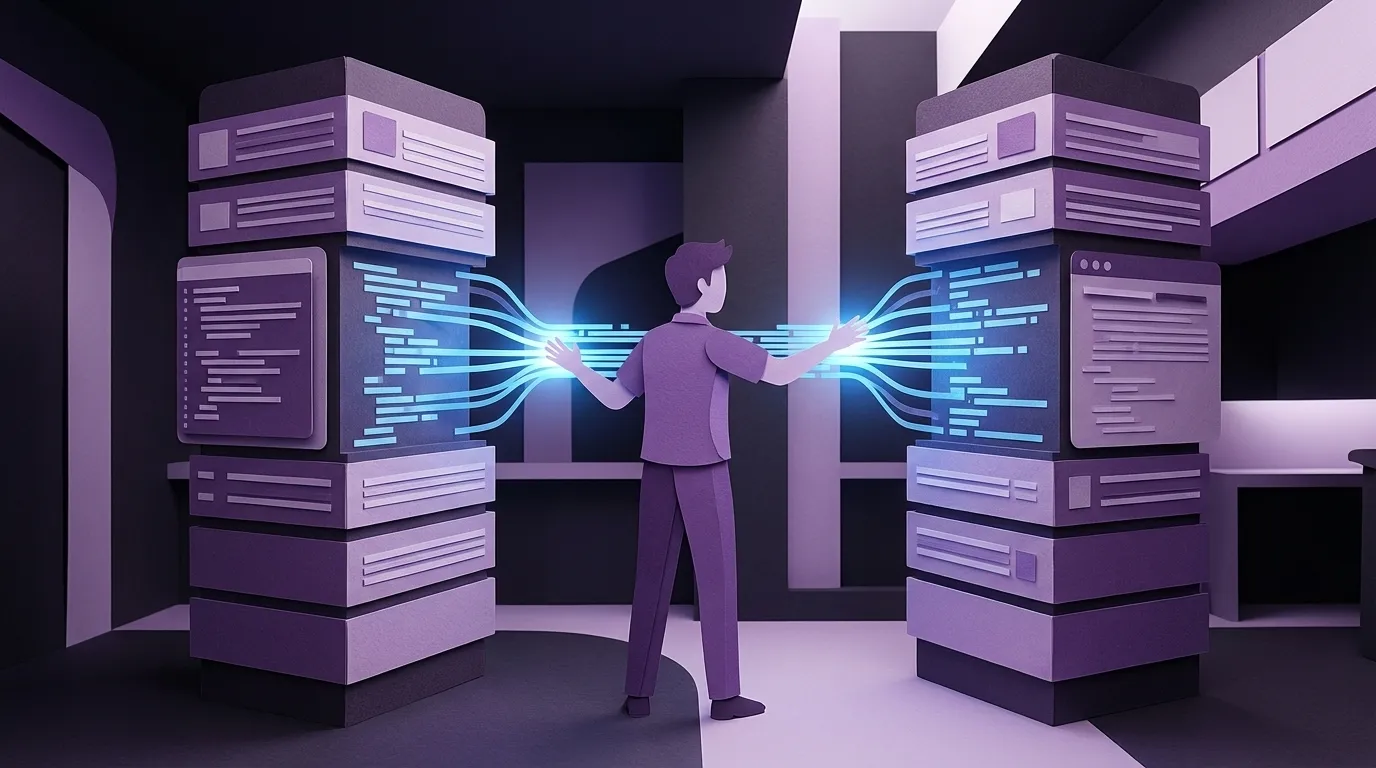
A few years ago I sat down with a logistics company that handled cross-border freight. Small operation — maybe a dozen employees. But when I started mapping how work actually moved through the business, I realized I wasn't looking at a company that used software. I was looking at a company that was software.
One person knew customs. Another knew how to interface with the shipping systems. Someone else handled billing. Someone else talked to customers. Nobody held the complete picture of any single shipment. Instead, they'd pass fragments of information between each other — just enough for the next person in the chain to do their piece. Cryptic notes. Half-context. Barely sufficient.
And if something went wrong? If a shipment got stuck and you needed to reconstruct what actually happened? You'd have to go person to person like a treasure hunt, stitching the story back together from pieces scattered across a dozen heads.
The entire company was the integration layer.
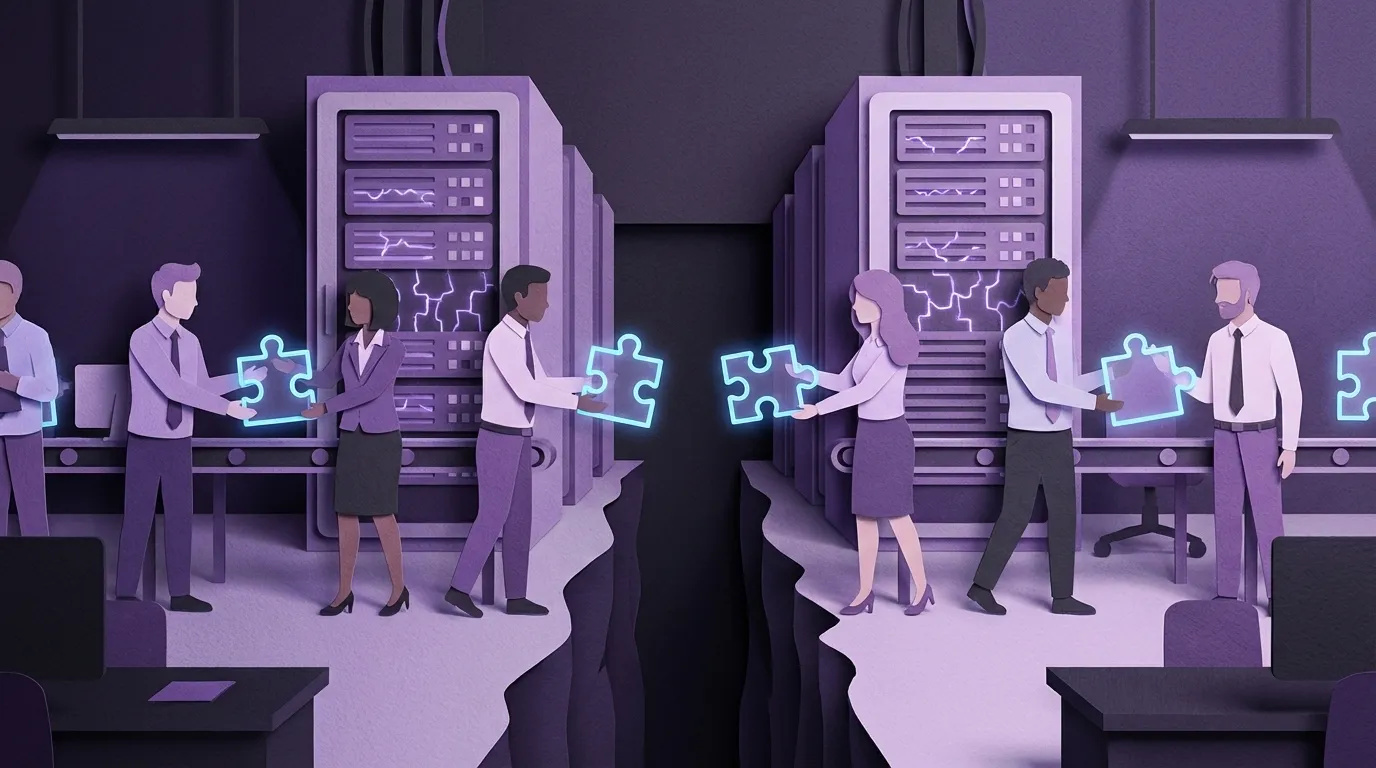
That's an extreme example, but the underlying pattern isn't extreme at all. It's the default. When business systems don't talk to each other, humans fill the gap. They become the living, breathing middleware between your CRM and your ERP, between your quoting tool and your accounting package, between your production floor and your front office. It works. Until it doesn't. And the failure mode isn't dramatic. It's slow. It's expensive. And it looks like normal.
I've spent decades building software for companies between 15 and 250 employees. Manufacturers, distributors, specialty contractors, logistics operators. The technology stacks are different. The integration failures are identical. After working with dozens of these companies, I've started naming the patterns — because once you can name the disease, you can stop treating the symptoms.
Here are the six most common ones. You'll recognize at least three.
1. The Human Router
What it looks like: The same information gets typed into two, three, sometimes four different systems by different people at different times.
A family-owned manufacturer had their order data entered first into their order system, then hand-written onto a bill of lading, then copied onto a load sheet, then keyed again for invoicing. Four entry points for the same information. Each one a chance for error. Each one eating someone's time.
A food distributor described the problem plainly: when someone puts an order in, that information needs to flow to inventory, accounting, and the warehouse — but every handoff was manual. People were the data pipeline.
At one company, the human routing had evolved into something more structured but no less manual: a daily planning meeting. Every person who understood any piece of the operation would sit down together, look at order scheduling across the disconnected systems, and collectively plan tomorrow. They'd make sure the right data was being entered at the right time so the whole cobbled-together system would hold. The meeting wasn't a status update. It was the integration layer. They were manually doing what a database join does automatically — matching records across systems by sitting in a room and talking through it, once a day, every day.

If you have a meeting like that — where the real purpose isn't alignment or strategy but making sure the right numbers end up in the right places — that's a human router with a calendar invite.
This is the most common pattern and the one companies are most numb to. It feels normal because it's always been that way. But add up the hours. If three people each spend twenty minutes a day re-keying data that already exists somewhere in your business, that's fifteen hours a week — nearly a full headcount — doing work a computer should be doing in milliseconds. The fix isn't complicated: data should enter your business once and propagate everywhere it needs to be. If you're evaluating any new system and it doesn't eliminate re-entry, you're buying a new island, not a bridge.
Where do you stand? If data enters once and shows up everywhere it needs to — you're good. If you have some re-entry but you know exactly where it happens and it's on your roadmap — you're managing it. If you can't confidently say how many times a customer order gets typed before it ships — start counting.
2. The Nightly Bridge
What it looks like: Two critical systems that should share data in real time, but instead sync once a day through a batch import, a scheduled script, or — honestly — someone running a macro every morning.
A concrete producer ran one database for daily operations and a completely separate system for billing and accounts receivable. Every night, they'd import the day's deliveries from one into the other. The person who built that bridge was also the only person who understood it.
A printing company with a growing e-commerce channel had their website running on one platform and manufacturing on another. They'd written custom code so that hundreds of daily web orders would consolidate into a single manufacturing order, then "shave off" as items shipped. It required daily macros and manual oversight to keep the two sides in sync.
The nightly bridge feels like a solution. It's actually a time bomb with a 24-hour fuse. Every day you're operating on yesterday's data. Every morning you're hoping the sync worked.
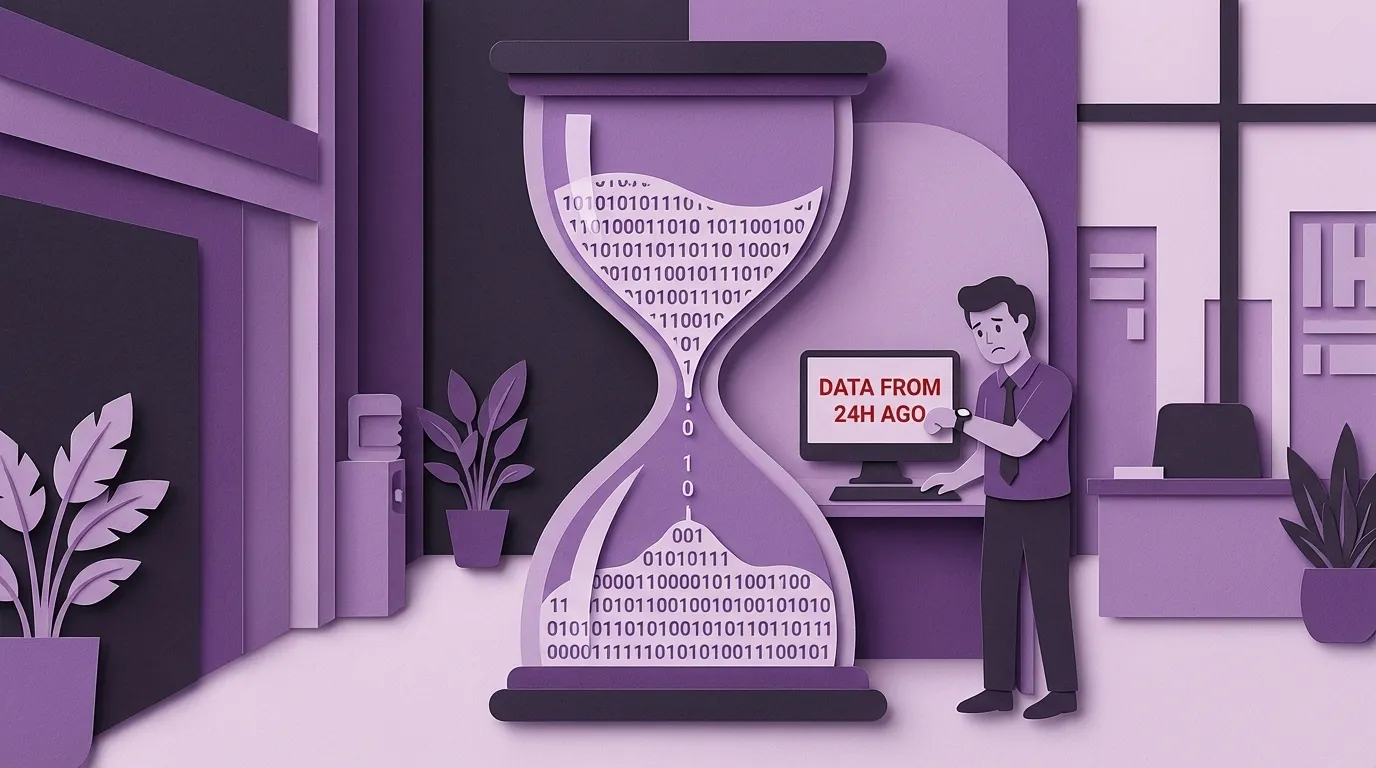
But here's what people miss about nightly bridges: the worst damage isn't technical. It's cultural. I watched one of these integrations erode an entire team's trust in their own data. The bridge between two databases looked easy on a napkin. Elegant, even. In practice, it would regularly stop working, fall behind, or come back with missing fields. Every time it broke, it sent the same message to the staff: this data doesn't actually matter to management. People stopped trusting the numbers. They stopped entering clean data. Why would you bother being precise on your end when the bridge is just going to scramble it anyway?
The question to ask yourself: what decisions are we making today based on data that's already stale? If the answer is "pricing" or "inventory" or "billing," you have an urgency problem masquerading as a process. And if your team has stopped trusting the data entirely, you have a bigger problem than latency.
Where do you stand? If your critical systems share data in real time and your team trusts the numbers they see — you're good. If you have a nightly sync but someone monitors it, validates it, and people still believe the data — you're managing it. If you're not sure when the last sync actually ran, or your staff has a habit of saying "let me check the other system to make sure" — that bridge is already crumbling.
3. The Accidental Server
What it looks like: A mission-critical business function is running on a random workstation under someone's desk.
A CNC shop processing orders for a major OEM had their entire EDI system — the thing that receives and processes orders from their biggest customer — running on what the owner called a "quasi-server." It was actually a workstation with services bolted onto it, sitting in someone's office.
A light manufacturer had their FedEx integration, UPS integration, and CRM all tied to individual desktop computers instead of running through a central server. When one of those desktops crashed, every connection broke and had to be rebuilt manually.
The accidental server happens when someone solves a real problem with whatever hardware is in front of them. But the worst ones aren't just servers — they're entire workflows.
I found one where an employee had downloaded a large chunk of the customer database to their personal machine and set up a Windows scheduled job to run postal encoding against it. The output file didn't go back into the system. It went into a separate folder, where they'd open it alongside an Excel export of a different report and manually cut-and-paste hundreds of records between the two. As long as nobody added a new account between the time those two files were generated, the rows would line up and everything would match. Hundreds of cut-and-pastes later, they'd have what they needed.
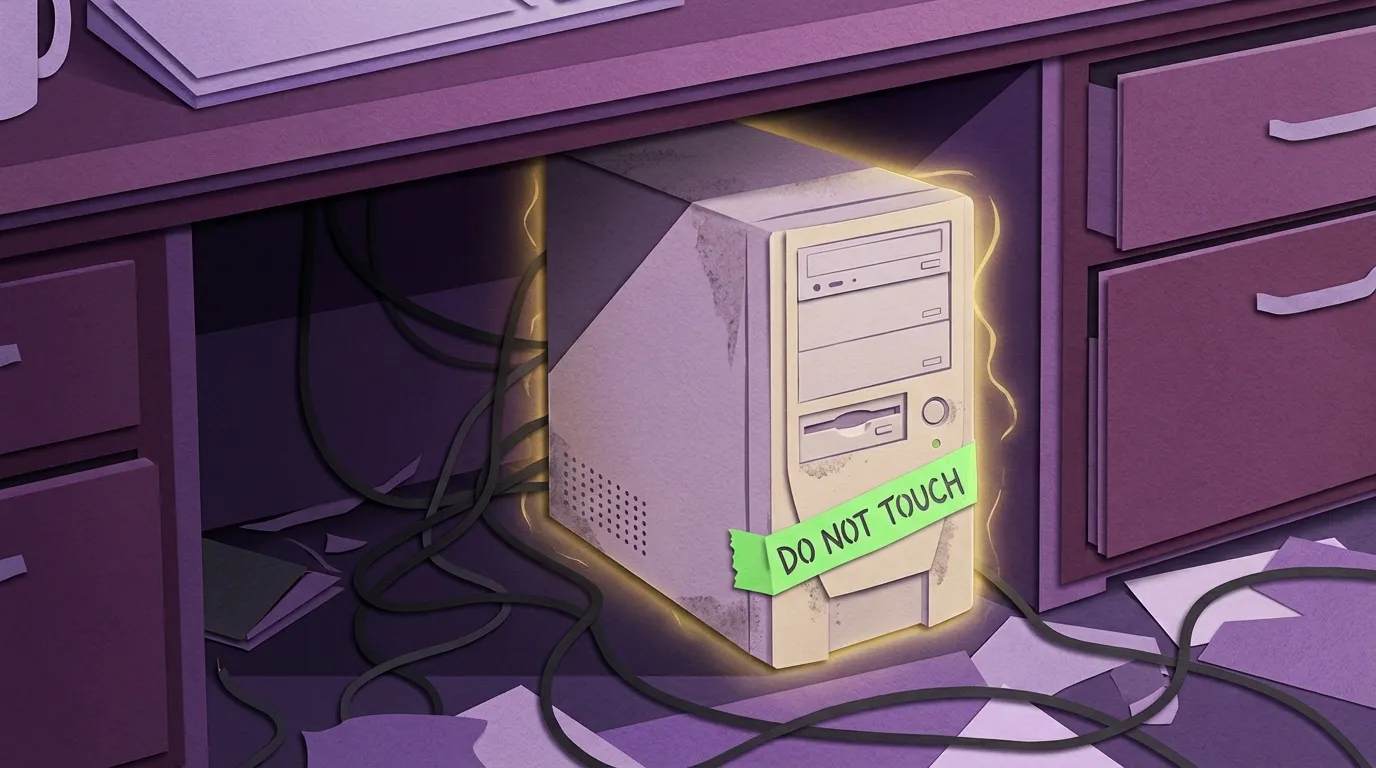
That's not an accidental server. That's an accidental application — an entire data processing pipeline running on one person's desktop, held together by a timing dependency and a prayer. And it worked. For years. Nobody questioned it because the output was correct and the postal codes were always right.
Walk your facility. Ask your IT person — or the person who functions as your IT person — which computers can't go down without stopping something important. If the answer is anything other than your actual servers, you've found your accidental servers. And if you dig deeper, you might find they're not just servers. They're someone's entire job, automated with duct tape and running silently under a desk.
Where do you stand? If every critical business function runs on proper, backed-up infrastructure and you could lose any single workstation without an operational disruption — you're good. If you know which desktops are load-bearing and you've got a plan to migrate them — you're managing it. If you'd need to ask around to find out which personal machines are running business processes — go ask. Today.
4. The Expensive Address Book
What it looks like: You bought a CRM. It can't connect to anything that matters. So it just holds names and phone numbers while your real work happens elsewhere.
A customs brokerage implemented Salesforce and discovered it couldn't link to the government systems and shipping portals that drive their actual operations. Staff had to maintain both the CRM and their operational systems — double entry on everything. They eventually abandoned Salesforce entirely and went back to Google Drive.
A label manufacturer had a standalone CRM that couldn't talk to their ERP. When a customer called, the service team had to phone the sales rep to understand account status because the CRM and the production system lived in different worlds. Every customer interaction started with an internal scavenger hunt.

This one hurts because you spent money to solve a problem and ended up with two problems: the original one, plus a system nobody trusts or uses. The CRM becomes an obligation rather than a tool. Sales people stop updating it. Managers stop trusting it. Eventually someone builds a spreadsheet that does what the CRM was supposed to do, and now you've got three systems instead of one. The lesson isn't "don't buy a CRM." It's that a CRM that can't see your operations, your production status, and your order history isn't a CRM — it's a contacts app with a monthly invoice. Before you buy anything, map what it needs to connect to. If the integration story is "we'll figure that out later," you won't.
Where do you stand? If your CRM reflects what's actually happening in operations — open orders, production status, last shipment — and your sales team uses it without being threatened — you're good. If your CRM is standalone but the team at least keeps it current — you're getting partial value, and integration should be on your list. If your sales team has quietly built their own tracking spreadsheet because the CRM is useless to them — you already know the answer.
5. The Excel Bridge
What it looks like: Spreadsheets have become the connective tissue between your official systems. People download from System A, manipulate in Excel, and upload to System B.
A trailer leasing company tracked shop technician efficiency by pulling reports from their system, dumping them into spreadsheets, and manually calculating performance percentages. The owner did this analysis himself. They improved efficiency from 60% to the upper 80s through this process — but it required hours of manual work every time they wanted to see how their team was performing.
A specialty building products distributor had operational data scattered across what they described as "a bunch of disjointed Excel spreadsheets." When manufacturers needed performance metrics or market segment breakdowns, it took forever to compile. They couldn't have intelligent conversations with their own suppliers because assembling the data was so painful.
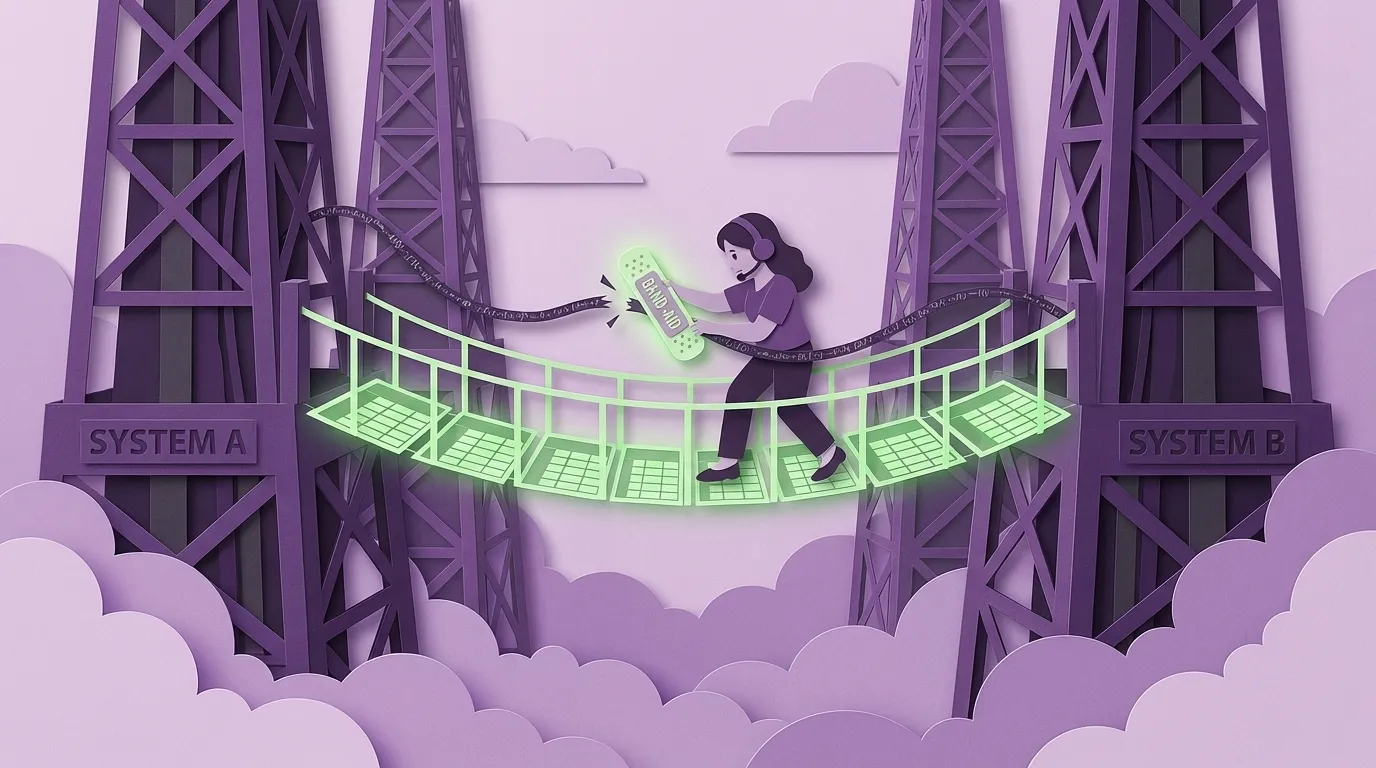
Here's the thing about Excel bridges: they work. That's why they're so dangerous. The person who builds them is usually smart, resourceful, and solving a real problem. But the solution is fragile, undocumented, and completely dependent on that one person. When they're on vacation, the report doesn't get built. When they leave, the formula dies with them. Don't punish the Excel person — they're showing you exactly where your systems have gaps. Document every spreadsheet that sits between two official systems. Each one is a requirements document for an integration you're missing.
Where do you stand? If your reporting and cross-system analysis runs inside your actual systems with no spreadsheet intermediary — you're good. If you use Excel for genuine analysis on top of clean data exports — that's fine, that's what spreadsheets are for. If someone has to download, reformat, and re-upload data between systems before anyone can make a decision — that's a bridge, and you should know who built it and what happens when they're not around.
6. The Portal Treadmill
What it looks like: Your staff spends a significant chunk of their day logged into other companies' systems, manually entering data your own systems already have.
A contract food packager serving multiple national brands had to log into each client's separate web portal to manually update production status, inventory levels, and order fulfillment. Medium and large customers each required their own system. No integration existed between the packager's internal operations and these portals — everything was re-entered after production was complete.
A general contractor working with national clients had to pay monthly fees to access client-specific systems for billing, project management, and reporting. Each client required learning a completely different platform. Some clients they only worked with once — but they still had to master the system for that single project.

The portal treadmill is maddening because the data already exists. Your systems know what shipped, what's in progress, what's been invoiced. But your clients' systems don't, and the only bridge is a human being with a browser and a lot of patience. This one's harder to fix because you don't control the other side. But most modern portals have APIs, even if nobody's asked about them. And for the ones that don't, scheduled exports formatted to match their import requirements can replace hours of manual entry with minutes of automated data transfer. Start with your highest-volume client and work down.
Where do you stand? If your data flows to client systems automatically through APIs or scheduled exports — you're good. If you're manually updating a few portals but it's a manageable part of someone's day — you're living with it, and that might be fine for now. If your team spends hours every day logging into other companies' systems to re-enter data you already have — start with your biggest client's portal and ask if they have an API. You'd be surprised how often the answer is yes.
The Diagnosis
You want to know the fastest way I can tell a company runs on human integration? The whiteboard.
Not a brainstorming whiteboard. Not a project goals whiteboard. A calendar whiteboard. Sometimes multiple calendars. Sometimes with magnets, permanent lines drawn in tape, color-coded by — something. I once walked into a shop that had the word "Visual Scheduling System" written above one. Magnets, grid lines, the works. They'd named it. Given it a title. It wasn't a workaround anymore. It had been promoted to official infrastructure.
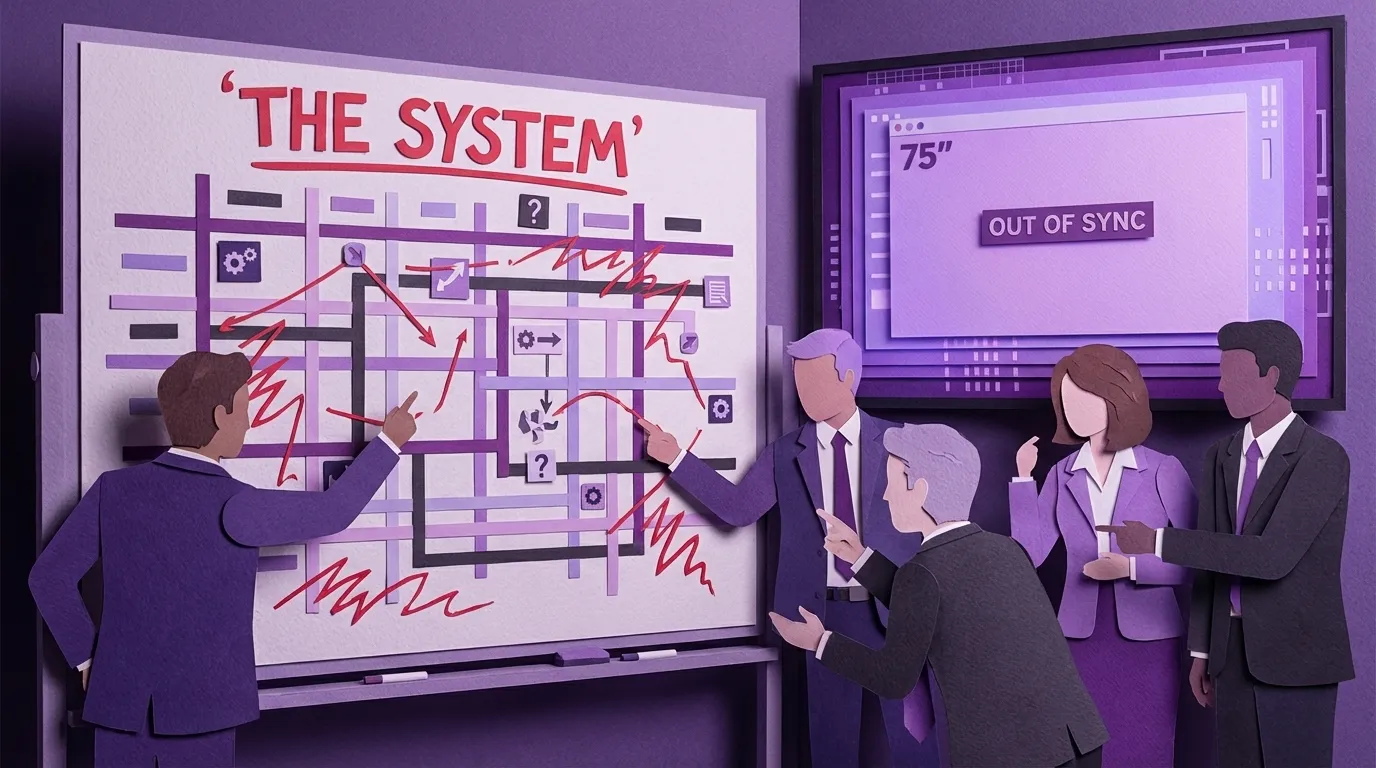
If your production schedule, your delivery calendar, or your job assignments live on a physical board that someone updates by hand every morning, that's not a scheduling system. That's a person performing a database query in their head and displaying the results with dry-erase markers.
Count how many of these six patterns are running in your business right now. Most companies between 20 and 150 employees have at least three. Some have all six.
The cost isn't just inefficiency. Every human integration point is a place where data gets lost, delayed, or corrupted. Every manual bridge is a dependency on a specific person. Every disconnected system is a reason your team can't answer basic questions without digging through multiple tools.
And here's what makes it worse: most companies try to fix this by buying another system. A new CRM. A new ERP. A better reporting tool. But if the new system doesn't connect to everything it needs to connect to, you haven't solved the problem. You've just moved it. Now you have a newer, shinier island — and your people are still the bridges between islands.
The fix isn't buying more software. It's mapping where data actually flows in your business — and where humans are carrying it by hand. That's where we start every engagement at PurpleOwl, and frankly it's where anyone should start, whether they work with us or not. Walk the floor. Watch the clicks. Find the whiteboards. Ask your people what they re-type, where they copy-paste, and which workarounds they've built that nobody else knows about.
Your best people have better things to do than be middleware.
Keywords
Related Articles
Scattered Data Across Multiple Systems Is Making It Impossible to Get the Insights You Need
Discover how disconnected data across your business is costing you time & money. Learn to identify h...
One System, One Truth: How a Right-Sized CRM Replaces Spreadsheet Chaos
Ditch spreadsheet chaos! Discover how a right-sized CRM can streamline your 20-80 person company, bo...
How a 40-Person Company Runs Like a 100-Person Company
Stop letting value leak out of your business. Learn how to build systems that amplify your team's ta...