
One System, One Truth: How a Right-Sized CRM Replaces Spreadsheet Chaos
Ditch spreadsheet chaos! Discover how a right-sized CRM can streamline your 20-80 person company, boost efficiency, and create a single source of truth.
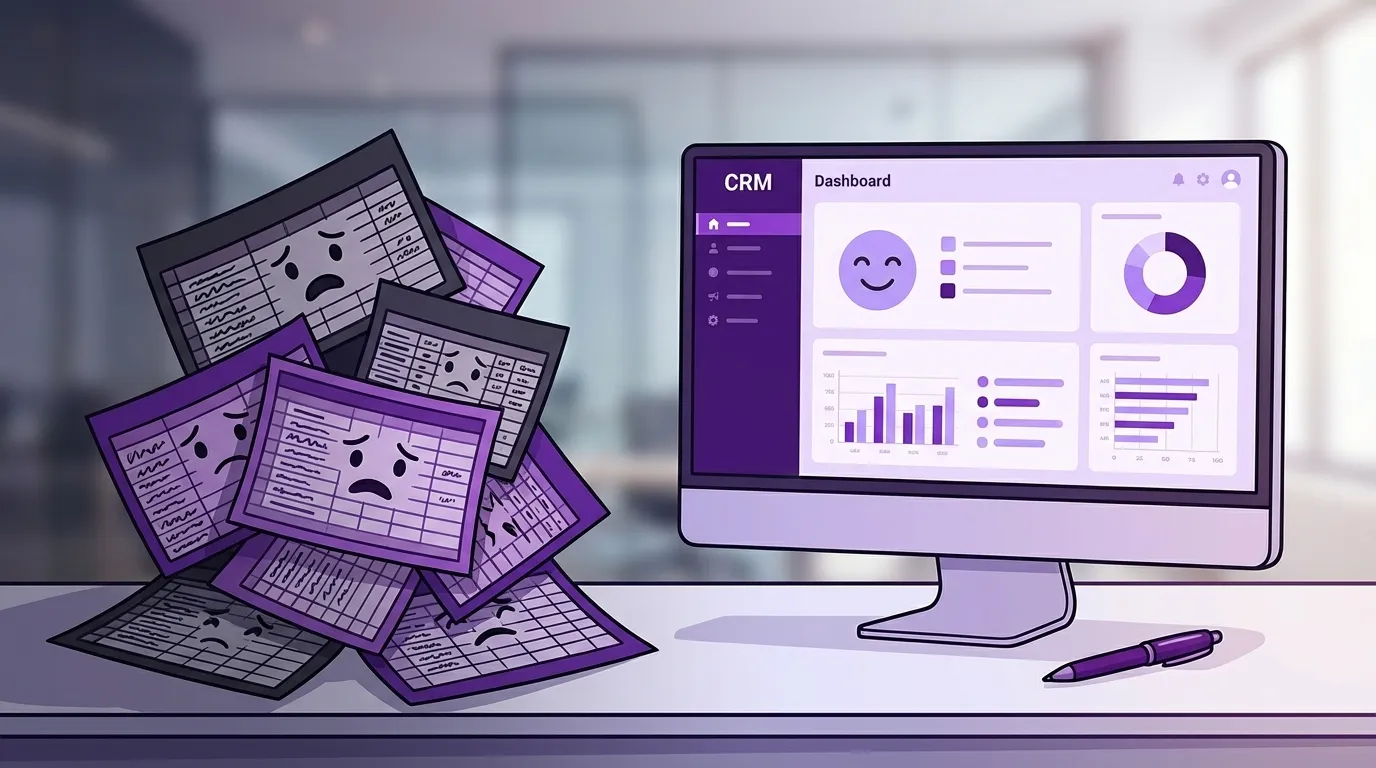
One System, One Truth
How a Right-Sized CRM Replaces Spreadsheet Chaos
By Alex Radulovic, Founder of Purple Owl
The moment I stopped trusting spreadsheets was during a seven-figure decision.
I was working in telecom. We were trying to answer what should have been a straightforward question: How much revenue are we really making from this slice of the business? Someone pulled up the master spreadsheet. Someone else, just to double-check, pulled up another master spreadsheet.
Same idea. Same time period. Same business. Different answers.
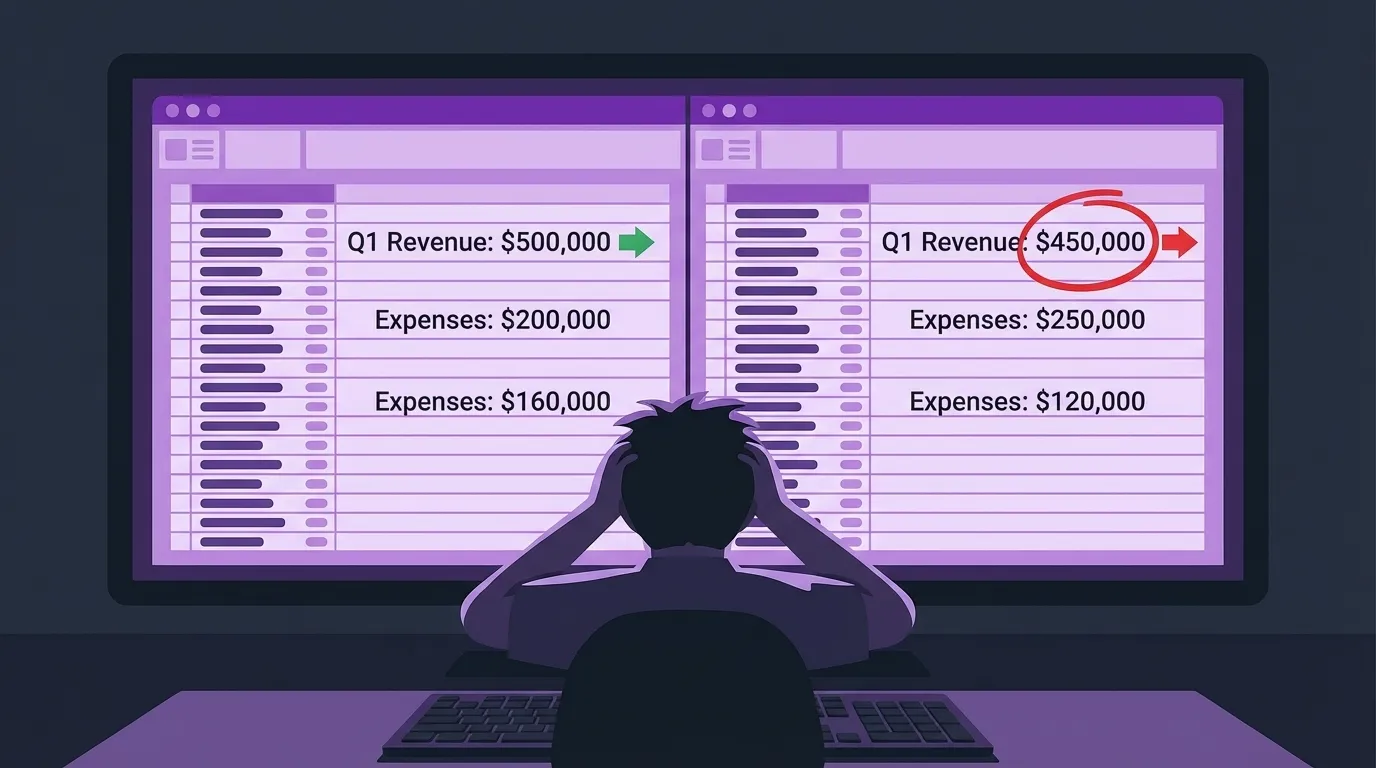
To make it worse, the file with the newer timestamp clearly came from an older version of the logic. The older file referenced newer deals. The naming conventions were no help—both had “FINAL” in the name, of course. And whatever had happened between them was undocumented. My best guess is that, on a late night, someone opened an obsolete copy, glanced at it, and hit “Save” on their way out.
At that point, it didn’t matter which one was technically correct. We had lost trust in both.
So we did what a lot of companies quietly do: we threw the work away and rebuilt everything from scratch. It wasn’t catastrophic—we caught it in time—but it was embarrassing. And it was completely avoidable.
That’s the spreadsheet breaking point: the moment you realize your “system” is just a pile of pictures of reality, and you don’t know which picture to believe.

The Human Database Foreign Key
If you run a 20–80 person company, you almost certainly have one person who holds the whole thing together.
They might run accounting, operations, or “special projects.” Their unofficial job title is something like Human Database Foreign Key. Whenever anyone needs to know which spreadsheet is current, what a column really means, or why report A doesn’t match report B, they go to this person.

They’re usually your busiest employee. They know the most. They care the most. And a scary amount of your business logic only exists in their head and a handful of fragile workbooks.
If you want a quick diagnostic, ask them this:
“If we don’t count all the time you spend explaining spreadsheets to other people, how much of your day is actually your real job?”
In more businesses than I’d like to admit, the honest answer is: not much. They’re feeding the system instead of serving the customer.
Now zoom out. Every salesperson hunting for “the real pipeline file,” every coordinator re-entering the same information into three different sheets, every manager trying to reconcile two nearly-identical reports… you can easily end up with a company where two-thirds of everyone’s time is spent doing things a computer should be doing automatically.
And because the work is invisible—just “normal” everyday friction—it rarely gets measured, let alone fixed.
The Monster Shared Sheet
The first attempt to civilize this usually sounds reasonable:
“We’ll just put everything in one shared Google Sheet. Then at least we’re all looking at the same thing.”
At first, it feels like progress. Fewer attachments. Fewer “v7_final_real_this_time.xlsx” files. A sense that order is emerging.
Then entropy does what entropy always does.
Spreadsheets are wonderful because they let you do anything. Add one more column “just for now.” Hide the stuff you don’t want to see. Color-code your own mental model. Add a new tab to debug some number you don’t trust on the first tab. Build a special report “just for this quarter.”
They also never say no. There is no referee. No guardrails. No one asking, “Is this a good idea?”
Fast-forward a year and you’re staring at a monster:
- Dozens of tabs, organized with a color-coding legend so colleagues can navigate.
- A main data tab with hundreds of columns, a fraction of which are still used.
- Other spreadsheets secretly depending on this one through copy-paste and exports.
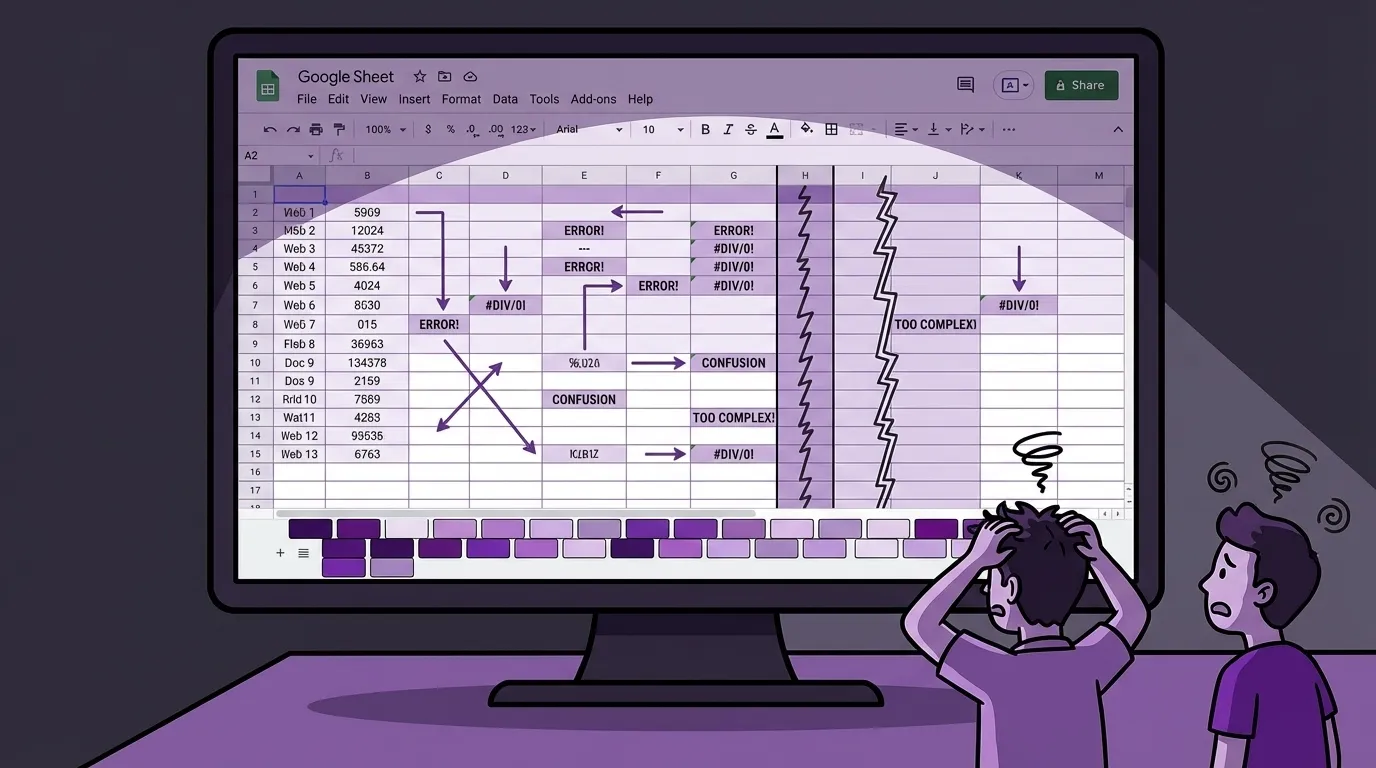
At that point, someone has effectively built a CRM—or even a mini-ERP—inside a spreadsheet. They “won” build vs. buy, at the cost of creating a bomb with a lit fuse.
And you still haven’t solved the original problem. Every time somebody needs a special view, they copy the sheet, spin up a new tab, or export to somewhere else. You’re back to wondering which version is real—just in a more elaborate way.
Doing a Database’s Job by Hand
On the surface, spreadsheets and databases look similar: rows, columns, and tables. You can even simulate relationships with VLOOKUPs and clever formulas.
But there’s a reason the word relational is in the name.
A proper system can say things like:
- “An invoice must have a customer.”
- “A job must belong to an account.”
- “A purchase order must reference a vendor.”
Those relationships are explicit. They’re enforced. The system literally refuses to create certain nonsense states.
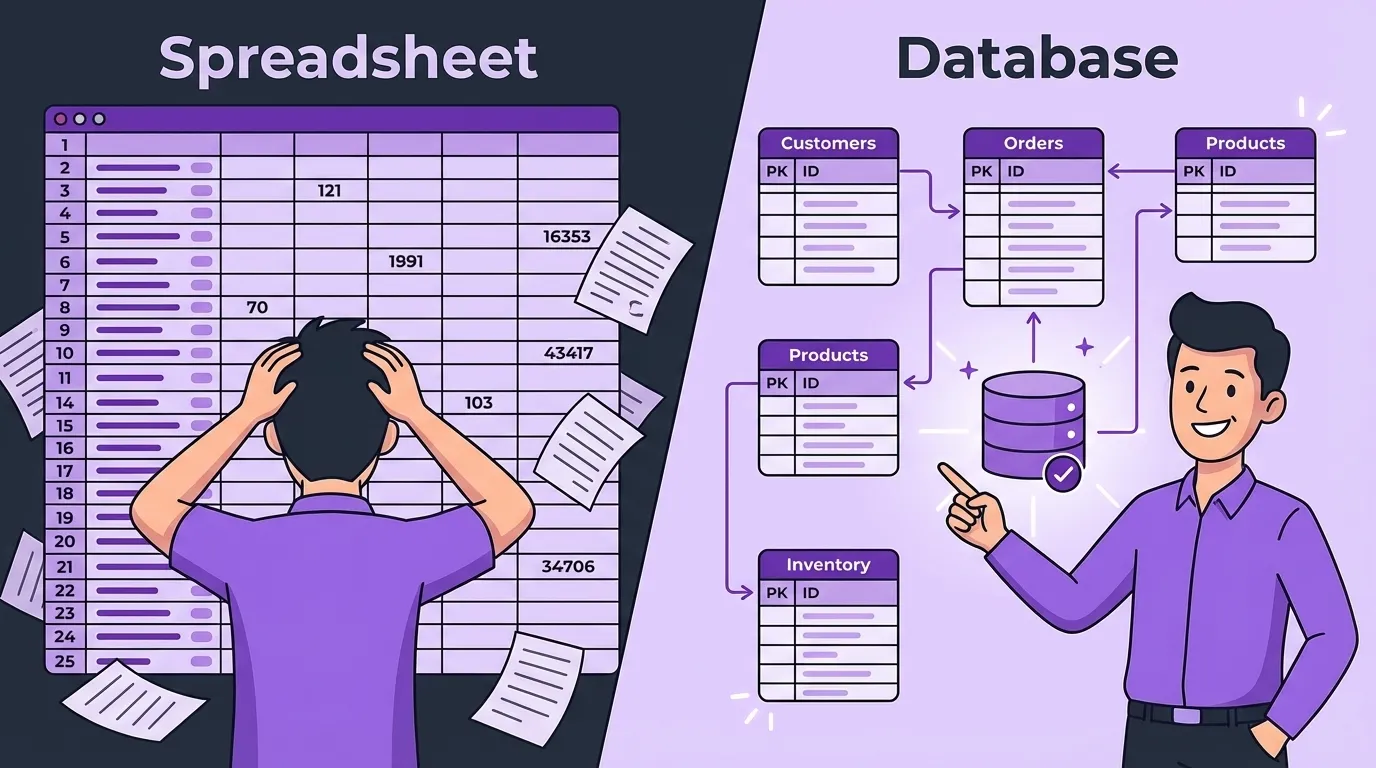
In a spreadsheet, none of that exists unless humans maintain it by hand. Every time you’re:
- Copying data from one tab into another
- Aggregating totals into a separate “summary” sheet
- Cross-referencing three files to answer a basic question
…you’re doing the work of a relational database without the safety net.
And because nothing about that logic is visible, the whole thing turns into a black box. You flick some switches (edit a few cells), lights come on (numbers pop out), and you simply hope they mean what you think they mean.
If your core process lives in a spreadsheet nobody wants to open, you don’t have a system. You have a bomb with a lit fuse.
The Enterprise Detour
This is usually the moment someone says, “We’re done with spreadsheets. Let’s get something serious. Salesforce. HubSpot. The big stuff.”
Enterprise CRMs can be fantastic—for enterprises. For a 30- or 50-person shop, they also come with enterprise-sized requirements: you need people with time to design it well, patience to maintain it, and clarity about your processes that many small firms simply don’t have yet.

I worked with one 35-person company that went that route. They hired consultants, implemented a heavyweight CRM, and got… something. It did a lot, on paper. In reality:
- They didn’t truly know what they needed when they signed the contract.
- The original consultants left; new ones arrived without the full context.
- Features accreted. Workarounds multiplied. Fear of touching anything important settled in.
The system technically “worked,” but it was so opaque that very few people used it as intended. The rest quietly went back to spreadsheets and personal tracking tools. Shadow IT bloomed.
Eventually they abandoned it, built software tailored to their actual workflow, and saw real changes:
- Admin time dropped by about 30%.
- Onboarding time for new staff was cut in half.
- “I don’t know what I’m supposed to do here” fell from the number one exit reason to background noise.
The point isn’t that Salesforce is bad. The point is: buying enterprise software doesn’t magically give you enterprise discipline. If your users are staring at a cockpit full of switches and only needing two of them, “just ignore the rest” is not a strategy. It’s how you end up back in spreadsheet land.
What “Right-Sized” Actually Feels Like
So what does a right-sized system look like for a 20–80 person company?
At Purple Owl, a sanity check we use is brutally simple:
If people don’t willingly use it, it’s the wrong size.
From the user’s perspective, a right-sized CRM feels more like a cockpit and less like a scavenger hunt.
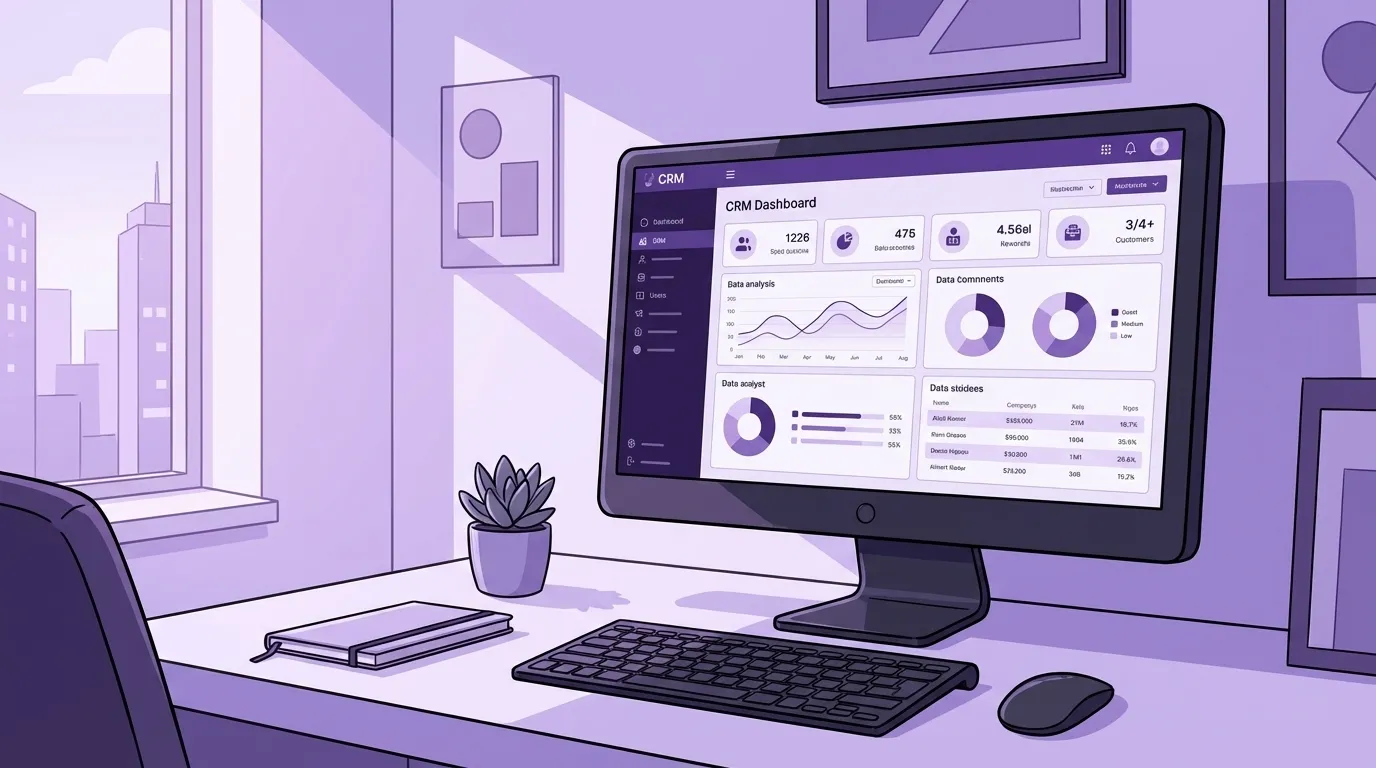
On one of our case screens, for example, everything lives in one place: details, timeline, medical, billing, AI notes, even the ability to search providers. On an account screen, you can park the sidebar and a detail view side-by-side, so you’re not bouncing between modules. You’re looking at the work, not fighting the tool.
Two more principles matter:
-
The system adapts to the business, not the other way around. If your niche depends on serving a large client in a very particular way, you don’t get to tell them, “Sorry, our new ERP doesn’t allow that anymore.” For a lot of small companies, that’s the difference between staying alive and going under.
-
The system uses your language. If your staff talk about cases, placements, injured workers, the system should say those words. Not “objects” and “opportunities.” That sounds cosmetic; it isn’t. People hesitate less, enter better data, and trust the tool more when it speaks their dialect.
Finally, a right-sized system kills the “current version” game at the root. Documents live with their accounts and cases. There is one obvious home for them. No one is fishing through 13 directories trying to guess which PDF someone used last month.
And yes—fewer clicks matter. Human error rate rises with complexity, and complexity has a very direct exchange rate into money. Error rate × error cost is not a philosophical argument. It’s math.
One System, One Truth
“Single source of truth” is a fancy way of saying:
There is one version of reality, and everyone can see it.
You stop sending broadcast emails to the whole company asking, “Can someone confirm which number is correct?” You stop apologizing for errors and start quietly making corrections instead. You trust the data enough to use it for forecasting and decisions.
Customer satisfaction improves because the error rate drops. Internally, confidence goes up because everyone is reading from the same page—literally.
It’s the difference between reality, and a stack of pictures of reality that may or may not be current.

Build vs. Buy: Not the First Question
People often ask me, “So should we build something custom or just buy a CRM?”
My answer is: you’re jumping ahead.
Before you touch that decision, you need to answer two simpler questions:
-
Is there a real return? You’re in business to make money, not collect software logos. Can you translate better systems into growth, better retention, fewer errors, more capacity? If the numbers don’t work, stop there.
-
Are you willing to pay the people cost of doing it right? That means:
- Listening to every role that touches the process, not just the desk workers.
- Mapping real workflows, not just the pretty ones in your head.
- Dragging all of those “secret” spreadsheets into the light.
Only then are you ready for the actual Build vs. Buy math: Is the cost of forcing your business to adapt to generic software higher than the cost of letting software adapt to your business?
Some companies secretly hope that buying industry software will teach them how to behave like the industry standard. In my experience, that almost never happens. What actually changes behavior is the messy work of understanding how you operate today and deciding, consciously, what to fix.
Adoption Starts at MVP, Not at Launch
If you’re only thinking about “adoption” after the system is finished, you’re late.
Adoption starts at the minimally viable product—the first version that is good enough to do real work. It’s not a mockup. It’s not a toy. It’s a rough but honest version of the real thing.
At that stage, you want real users using their real data:
- “Can you run this week’s cases through it?”
- “Can you work tomorrow’s call list out of this screen instead of the old one?”
Their feedback shapes the system. By the time you reach the official rollout, nothing should be a surprise.
For a 20–80 person company, a healthy launch looks almost boring:
- You pick a go-live date and commit to it.
- You assume 20% of people did not watch the videos or read the guides, and you staff accordingly.
- For the first week, the people who built it clear time to answer questions.
- You run a short daily call where people bring issues; you record it, let AI summarize it, and keep shaving off rough edges.
By the end of the second week, the new system should feel like furniture. It’s just how work happens now.
A Simple, Uncomfortable Exercise
If you recognize your company in any of this, here’s a first step that doesn’t involve buying anything:
For one week—better, one month—do this:
- Every time you receive a piece of information, ask, “Where did this come from?”
- If it came from a person, ask them, “Where did you get it?”
- Write the answers down: spreadsheets, email threads, Drive folders, phone calls, sticky notes.
Then imagine every employee doing the same exercise.
Some of those paths will line up. Some will be mirror images of each other—one person cleaning up another’s output. The rest will form a spider’s web of manual steps, copy-pastes, and quiet heroics.
If that mental picture feels overwhelming, it should. This problem doesn’t grow politely. Twice as many people is ten times the tangle.
The good news is that once you can see the web, you can start simplifying it. One process at a time. One source of truth at a time. Until your people stop acting like Human Database Foreign Keys and get to spend their time on the work only humans can do.

Keywords
Related Articles
Scattered Data Across Multiple Systems Is Making It Impossible to Get the Insights You Need
Discover how disconnected data across your business is costing you time & money. Learn to identify h...
Your People Are the Integration Layer (And It's Costing You Everything)
Is your team acting as human middleware? Discover the 6 hidden patterns of integration failure costi...
How a 40-Person Company Runs Like a 100-Person Company
Stop letting value leak out of your business. Learn how to build systems that amplify your team's ta...