
Replacing the Legacy App That Runs Your Business (Without Burning the Place Down)
Is your legacy system holding your business hostage? Learn a practical, step-by-step approach to replacing it without disrupting your entire operation.
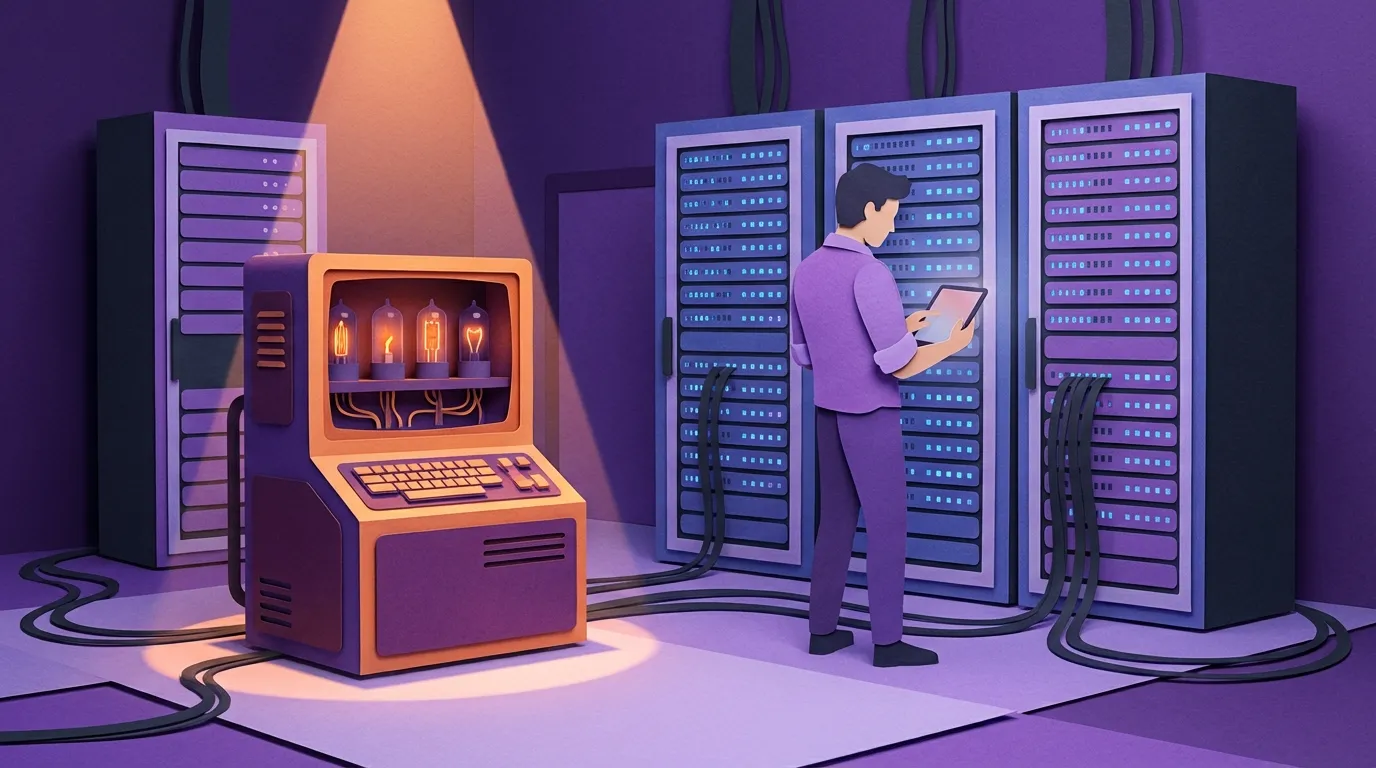
Replacing the Legacy App That Runs Your Business (Without Burning the Place Down)
If you run a small business—say 15 to 100 employees—there’s a decent chance you have a system you’re slightly afraid of.
Maybe it’s an old piece of software. Maybe it’s an Access database. Maybe it’s a Frankenstein of spreadsheets, reports, and “that one screen we don’t touch.” Whatever it is, it’s usually been there as long as the tenure of the people managing it. Which means it’s not just software anymore. It’s institutional memory. It’s culture. It’s habit. It’s comfort.

And when someone says, “We can’t touch that system,” they’re not being dramatic. What they mean is: it’s become a black box. Inputs go in. Outputs come out. But the chain of reasoning in the middle is no longer understood.
The interesting part is that small businesses aren’t “simpler” than large ones. Their needs aren’t smaller. They just have less slack.
- They don’t have the absolute profits to justify a full migration team.
- They often don’t have in-house IT at all.
- They’re usually in a niche, so “just change how you operate” isn’t an option.
- And when replacement software exists, it often matches them worse than what they already have—so switching means taking a conscious hit to productivity and profit.

That’s why the true trap is availability. There’s a large percentage of businesses that want out, and a large percentage that can’t find a replacement that actually fits.
But there is a way out. It’s not painless, and it’s not magic. It’s a disciplined process of understanding reality first—then moving, deliberately, toward something that serves the business instead of being worshipped like an altar.
The Legacy Trap: “It Runs the Business”
I usually answer that line in a slightly whimsical way:
No. The business owner runs the business. The system just requires everyone to pray to its altar a few times a day.
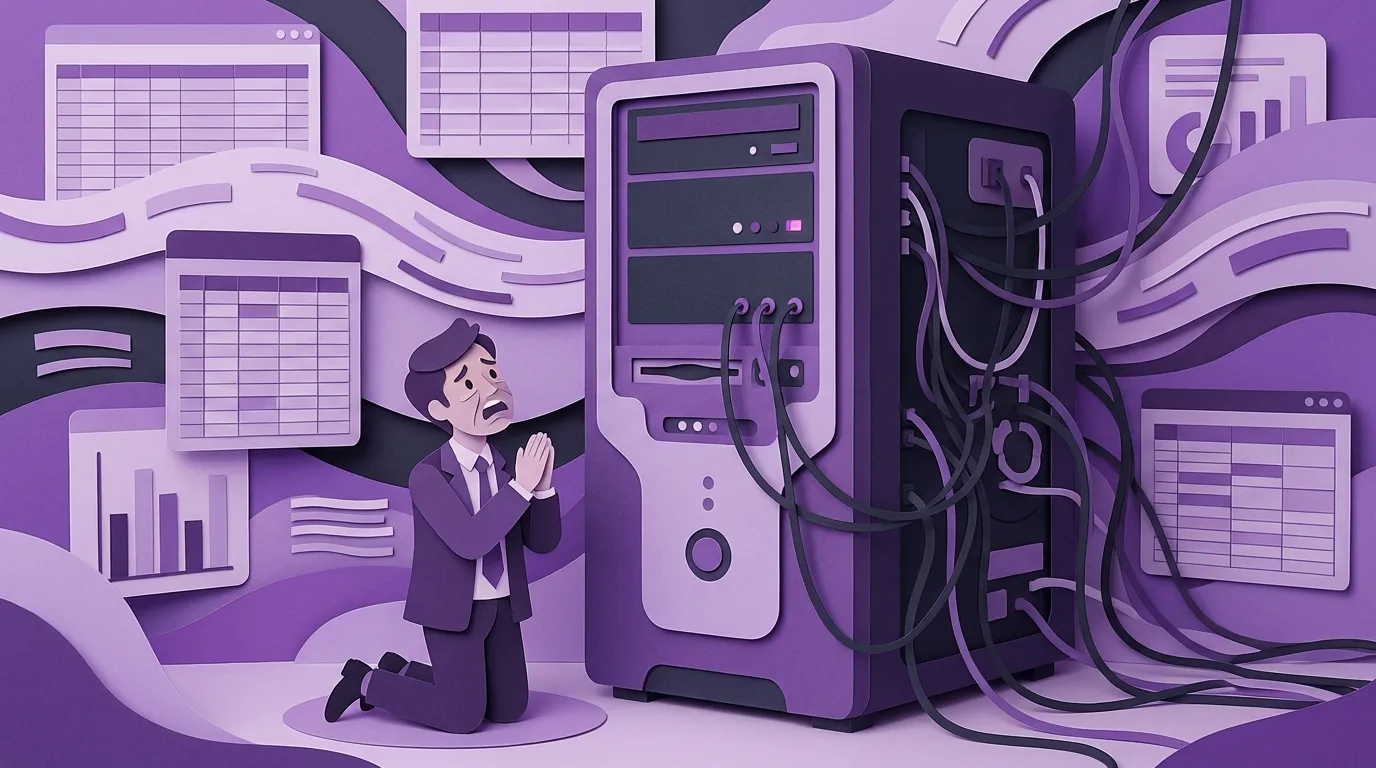
When owners say the system “runs the business,” they’re usually pointing at a real dependency—something central like invoicing, scheduling, dispatch, or commissions. But wrapped around that central piece is a growing cloud of workarounds: side spreadsheets, manual copy/paste rituals, calendar boards, Slack threads, exception lists, and tribal steps that “people just know.”
This is why the day the system breaks is often less apocalyptic than people expect. Legacy systems are not dynamic. Over time, companies quietly replicate parts of them outside the system just to survive. So when the legacy app fails, it’s rarely the end of the company.
But it’s still one of those dates that becomes a landmark in company history. “Was that before the system crash, or after?”
The Hidden Cost of Staying
Here’s the part owners often miss: when you need to replace your system, you’re going to pay for the new system either way.
You can pay for it with:
- lost productivity
- manual reconciliation
- slower onboarding
- errors and credits
- missed deals you can’t handle
- key staff burnout
Or you can pay for it by building/buying/configuring something better.
Either way, the price gets paid. You just get to choose what you receive in return.
Tribal Knowledge and the “Shadow Org Chart”
In my own writing, I define tribal knowledge very simply:
Tribal knowledge is when your company knows things that you don’t. (purpleowl.io)
The danger is that tribal knowledge has a ceiling. Most companies hit a hard limit somewhere around 35–50 employees, where “people know what to do” stops being cute and starts being expensive. (purpleowl.io)
Legacy systems are where tribal knowledge goes to fossilize.
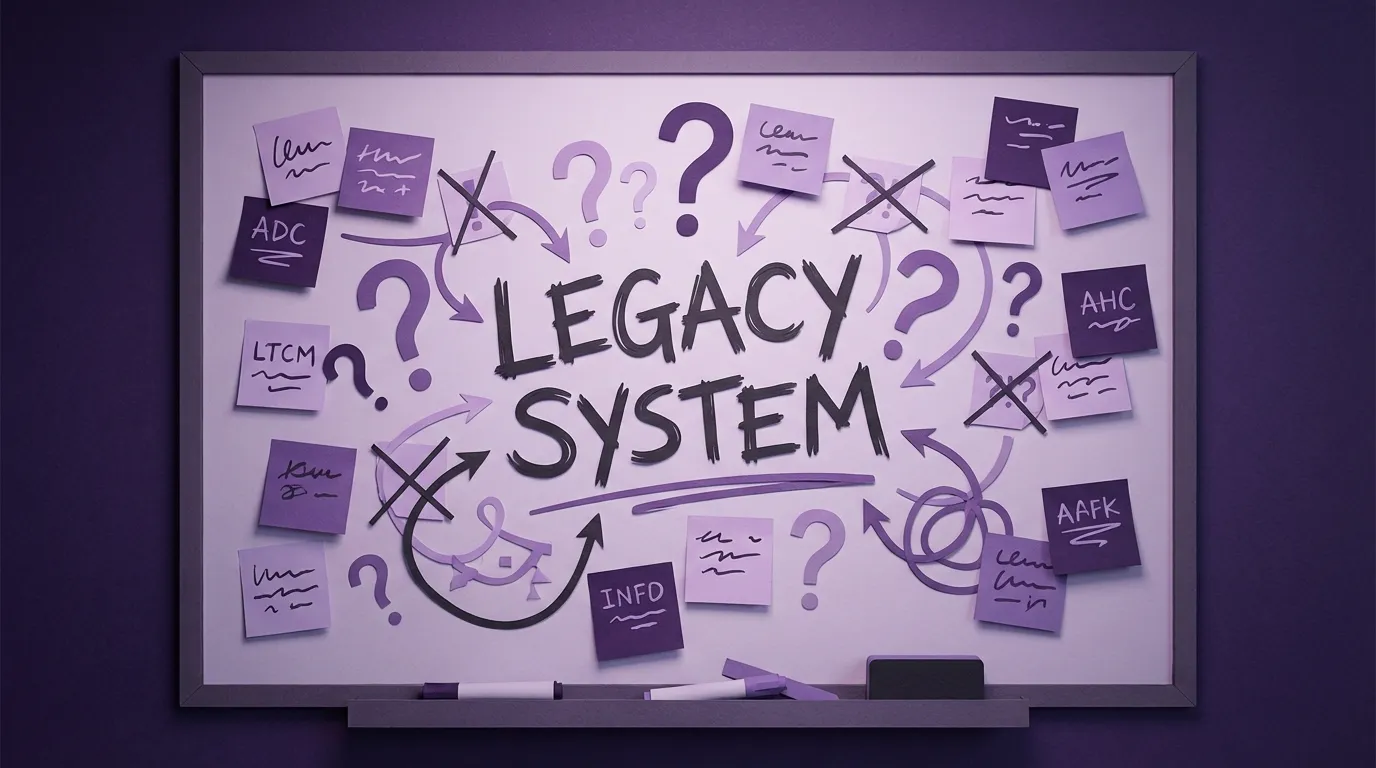
A common mistake is buying software first and mapping reality later—because then the software becomes the new black box. In my tribal knowledge article, I describe this as “when the software becomes the new Julie”: the thing everything flows through that nobody really understands, surrounded by a few power users who speak its language. (purpleowl.io)
If you replace a legacy system without capturing reality, you don’t eliminate tribal knowledge. You just relocate it into a tangle of configurations, hidden reports, and workarounds—with a subscription fee attached.
Phase 0: The Rough Sketch of the Vision
Before you talk about platforms, you need a rough sketch of where you’re marching.
Not a 60-page requirements document. Not a fantasy roadmap. A rough vision:
- What does “better” mean in this business?
- What’s broken enough that it’s driving change?
- What does the company need to be able to do that it currently can’t?
Without that, you’ll drift into the most dangerous migration plan of all:
“We’ll just run two systems in parallel until we figure it out.”
In small business, “parallel” often translates to: we’re going to pretend we’re running two; we’ll really run one; and at the end we’ll hope everything is okay.
Serving two masters rarely works. The one with the yelling customer always wins.
Phase 1: Start Data Migration Early (Yes, Early)
This is the part some people find unorthodox: we look at data migration immediately.
Not because we can migrate everything on day one—but because data is how humans think about the system.
In small businesses, getting to 80% of a functional prototype is usually faster than people think. There isn’t that much data. What matters is that the team can see the new system with their data, in their language, so they can react to reality instead of reacting to a demo.
New system + old data is a truth serum. It reveals:
- fields that mean something different than you assumed
- edge cases nobody thought to mention
- the “special spreadsheet” that actually runs payroll
- the rituals hidden behind “it’s just a report”
And it gives you something crucial: involvement. People can’t give meaningful feedback on abstract software. They can give meaningful feedback on something that looks like Tuesday.
Follow the Money: The Spine That Pulls the Whole Company Into View
When we build out phases, we often follow a simple principle:
Follow the money. Follow the order.
One example: a catering company.
We started with sales. Not because sales is “simple,” but because it’s definable: inputs, outputs, outcomes. Quotes force clarity. Sales told us who their clients were, what they were selling, how availability worked, where they were too busy, and what they needed from operations to quote correctly.
Then we moved to fulfillment and operations. Immediately, the quote questions became operational reality:
- what’s inventory vs purchased on demand?
- what needs to be prepared to deliver?
- what does scheduling actually look like?
- where are the handoffs?
And what we found—over and over—was that each team had their own boards and calendars to manage handoffs because the system didn’t support the real workflow. Between steps, people were copying and pasting, making a slightly transmogrified duplicate, then passing it along.
The irony is that those inefficient artifacts are also your blueprint. People are already doing the work. They’re just doing it expensively.
The Two Approaches That Actually Work
When it comes to migration strategy, there are really two rational paths:
1) Pull the Band-Aid
If you understand the system well enough, and you can afford the disruption, you cut over decisively.
Because once you go live, development speed drops. Not by 2%. Not by 97%. But enough that you feel it. The longer you try to keep everything “perfect before go-live,” the longer you stay stuck praying to the old altar.
2) MVP + Iterative Replacement
If you don’t fully understand the black box, you replace the system in slices to avoid breaking the world all at once.
The principle here is simple:
Don’t aim for “better.” Aim for “not worse,” then slightly better.
Replace what the old system does. Don’t be worse. Then improve.
And expect a truth about legacy replacements:
At “100%,” you’ve usually only finished the first 80%. The other 80% shows up after go-live.
It’s not failure. It’s the nature of replacing a system that has been accumulating invisible workflows for a decade.
The Invisible Workflow Problem (Where Migrations Actually Die)
This is where thoughtful projects either succeed or quietly bleed out.
Because the dangerous things are often not “features” at all.
They’re the hacked report that isn’t a report.
One example I’ve seen: an end-of-day “summary report” that everybody insisted must be recreated. It didn’t look special. It wasn’t framed as a process. It was “just a report.”
Except running that report at the end of the day did something. It triggered a hidden action in the system.
So the new system went live. The report wasn’t built yet, because the team treated it like reporting, not operations. And suddenly a critical daily closure step wasn’t happening.
Another example: sales commissions that depended on an Excel file buried in someone’s personal network folder—with a companion text file screaming DO NOT DELETE ME.
That’s not a software feature. That’s a landmine with a Post-it note on it.
This is also why your “parallel run” plan fails in practice. People don’t do double entry out of goodwill. They do what the business demands at volume. Which means if you don’t discover invisible workflows early, they will be discovered later—at maximum stress.
Stop the Bleeding: The “Point Solution” That Buys You Time
Sometimes the right move is not to replace everything first.
Sometimes the right move is to stop the bleeding.
A specific example: a company whose monthly billing process had grown so painful that invoicing took two to three weeks every month. It was can-kicking over years: more complexity, less automation, more manual massaging—and then the “disaster” we all fear happened: the company was growing.

The brilliant decision they made was: fix invoicing first.
So we built an invoicing solution as a standalone environment—without waiting for the full system replacement. That freed up the team’s time, reduced pain immediately, and gave the company the breathing room to finish the real work.
Some of that early work was throwaway. But the invoicing core survived, and the psychological value was enormous:
It turned “you’re another software person who’s going to lie to us” into “okay, this might actually work.”
Momentum matters.
Build vs Buy vs Low-Code (And the Myth That “Low-Code Isn’t Code”)
I’ll say it upfront: I run a custom software company, so yes, I have bias.
But bias doesn’t change physics.
Custom build is justified when:
- the business has real niche constraints
- leadership has the will and focus
- the ROI is worth months of organizational involvement
This isn’t “six months of one person’s time.” It’s six months of company attention, distributed across the people who actually do the work.
Off-the-shelf fails when:
- the business needs meaningful customization
- the real workflow doesn’t match the vendor’s assumptions
- you’re being sold a “sunny day” demo that ignores edge cases and integrations
One of the best safeguards is simple: don’t ask, “Can it do this?” Ask, “Show us evidence of it. With our examples.”
A hospitality company we’ve helped with platform selection did this well. On paper, the new platform looked perfect: long spec sheets, lots of features, lots of success stories. In a normal world, you’d assume the choice is obvious.
But when they brought real problem scenarios, they realized two out of three of their original pain points still existed—just in a different flavor. They would have migrated into a system with better fonts and nicer colors… and then bolted on external tools to survive, recreating the exact mess that forced the replacement in the first place.
That is what a near-disaster looks like in small business: not total failure—just a fresh subscription-based version of your old constraints.
Low-code works best when:
- the process is relatively stable
- the domain is not deeply specialized
- you’re not pretending configuration eliminates complexity
And a note that matters:
Everything is code.
Even if it’s not symbolic code written by programmers, the configuration is still logic—and logic still needs ownership, testing, and maintenance.
Training and Change Management: Dialogue, Dialogue, Dialogue
There is always that person in the meeting leaning back with arms crossed.
Sometimes they’re protecting the company. Sometimes they’re burned from past failures. Sometimes they’re watching their fiefdom dissolve.
The only thing I’ve seen consistently work is not questionnaires, not email chains, not “messages in a bottle.”
It’s dialogue.
Even better: don’t ask people what they want. Ask what they don’t want.
Ask:
- What problems do you hit weekly?
- What makes you swear?
- What do you dread at month-end?
- What do you do when you don’t know what to do?
Then sit with them and watch them do the work. Not the aspirational version. The real one. (In my tribal knowledge article, this is “reality capture.”) (purpleowl.io)
And don’t let perfect be the enemy of good. You learn more by using a good system and improving it than by running endless committees trying to design perfection.
Retirement Planning: Turn It Off… Without Losing It
“Turning it off” is almost a swear word in IT.
So practically, what does retirement look like?
In many cases: virtualize the old system.
A 30-year-old system often becomes small enough to run in a VM on someone’s desktop. Or export the database into something accessible. Or preserve critical historical reports.
The least favored approach is keeping the old system “live” in read-only mode as a crutch, because crutches tend to make you need them longer.
When is it safe to shut down usage?
A simple operational rule: when nobody touches it for a quarter.
Do you delete it?
Almost never. Storage is cheap. Unless there are legal reasons not to keep it, or it’s a liability you truly don’t need, the smarter move is preservation—not amnesia.
A Few Stats (And Why SMB Owners Should Treat Them Carefully)
Most ERP/legacy replacement statistics skew mid-market and enterprise, but they’re still useful as directional pressure.
For example, Panorama’s 2024 ERP report cites a median project cost of $450,000 and a median timeline of 15.5 months across respondents. (4439340.fs1.hubspotusercontent-na1.net) Those numbers often won’t map directly to a 20–150 person company—but they explain why owners feel the risk.
That same report also notes something I see constantly: smaller organizations are more likely to minimize change management and assume resistance can be handled ad hoc—something Panorama says is “rarely successful.” (4439340.fs1.hubspotusercontent-na1.net)
On the cloud shift: Panorama’s findings are widely cited as showing 78.6% of organizations selecting cloud-based ERP for new implementations (with year-over-year growth). (NetSuite)
And IDC-sponsored reporting highlighted a drop in organizations that found on-prem ERP adequate—from 70% (2021) to 38% (2024). (Unit4)
Take the numbers with perspective. The point isn’t “small businesses must do what enterprises do.” The point is: the gravity is real, and the dissatisfaction is widespread.
The Way Out
If you do this right, your biggest surprise will be that it takes twice as long.
That’s not pessimism. It’s realism. Most owners are optimists by necessity, and software projects punish optimism.
If someone promises you a painless migration, they’re probably selling you something.
Unless what they mean is: we’ll do the pain up front—by getting your data into the prototype early, training people as each module comes online, doing a real dry run, and treating invisible workflows as first-class requirements.
And the goal isn’t to modernize.
The goal is to improve the productivity and quality of the business using modern tools—chosen deliberately from a big palette, aimed at your real constraints, and grounded in how your company actually works.
Because you run the business.
The software should finally start acting like it knows that.
Keywords
Related Articles
Customizable ERP vs Custom ERP: What You'll Actually Pay
What customizable ERP and custom ERP really cost: assembled pricing, the costs no quote shows, and t...
One System, One Truth: How a Right-Sized CRM Replaces Spreadsheet Chaos
Ditch spreadsheet chaos! Discover how a right-sized CRM can streamline your 20-80 person company, bo...
ERP for Small Businesses: What Actually Matters
Confused about ERP? This guide cuts through the jargon to reveal what ERP software *actually* does f...