
We Spent Days Fighting a Zebra Card Printer. So You Don't Have To.
Frustrated with Zebra ZC350 card printer integration? Dazzle, an open-source bridge, saves you time and headaches. Encode NFC cards easily!
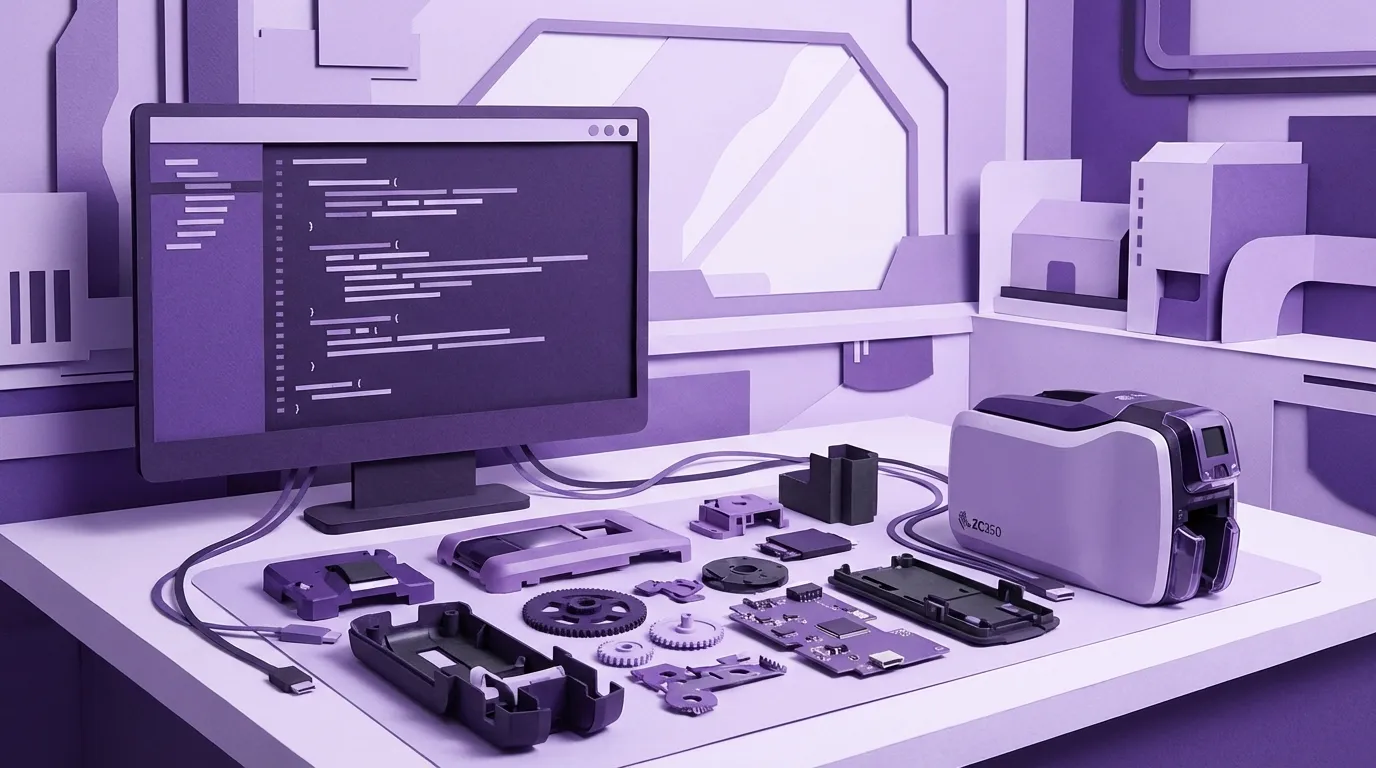
Introducing Dazzle — an open-source bridge for Zebra ZC350 card printers, from PurpleOwl.
If you've ever tried to programmatically control a Zebra ZC350 card printer — feed a card, encode an NFC chip, print a badge, eject — you already know the pain. If you haven't, let me save you some time: the pain is considerable.
We built Dazzle because we had to. One of our clients needed automated card issuance integrated into their workflow. Zebra makes great hardware. But getting that hardware to talk to your application? That's where things get interesting. And by "interesting" I mean you'll spend five hours staring at a hex dump wondering why every APDU returns 6900.
We're open-sourcing Dazzle because nobody should have to go through what we went through. https://github.com/purpleowl-io/dazzle
What Dazzle Actually Does
Dazzle is a .NET 8 helper that runs as a child process and speaks JSON over stdin/stdout. Your Node.js app (or Python, or anything that can spawn a process and read lines) sends commands like feed, smartcard.connect, smartcard.transmit, and eject. The helper talks to the printer and its internal NFC encoder, and sends back results.
That's it. No SDK arcana. No DLL scavenger hunts. No mysterious reader slots. You send JSON, you get JSON back.
A typical card issuance looks like this:
const printer = new ZebraCardPrinter();
await printer.start();
await printer.connect("192.168.1.100");

await printer.feed();
const readers = await printer.getReaders();
await printer.smartcardConnect(readers.contactless);

const uid = await printer.smartcardTransmit("FFCA000000");
console.log("Card UID:", uid.response);

await printer.smartcardDisconnect();
await printer.eject();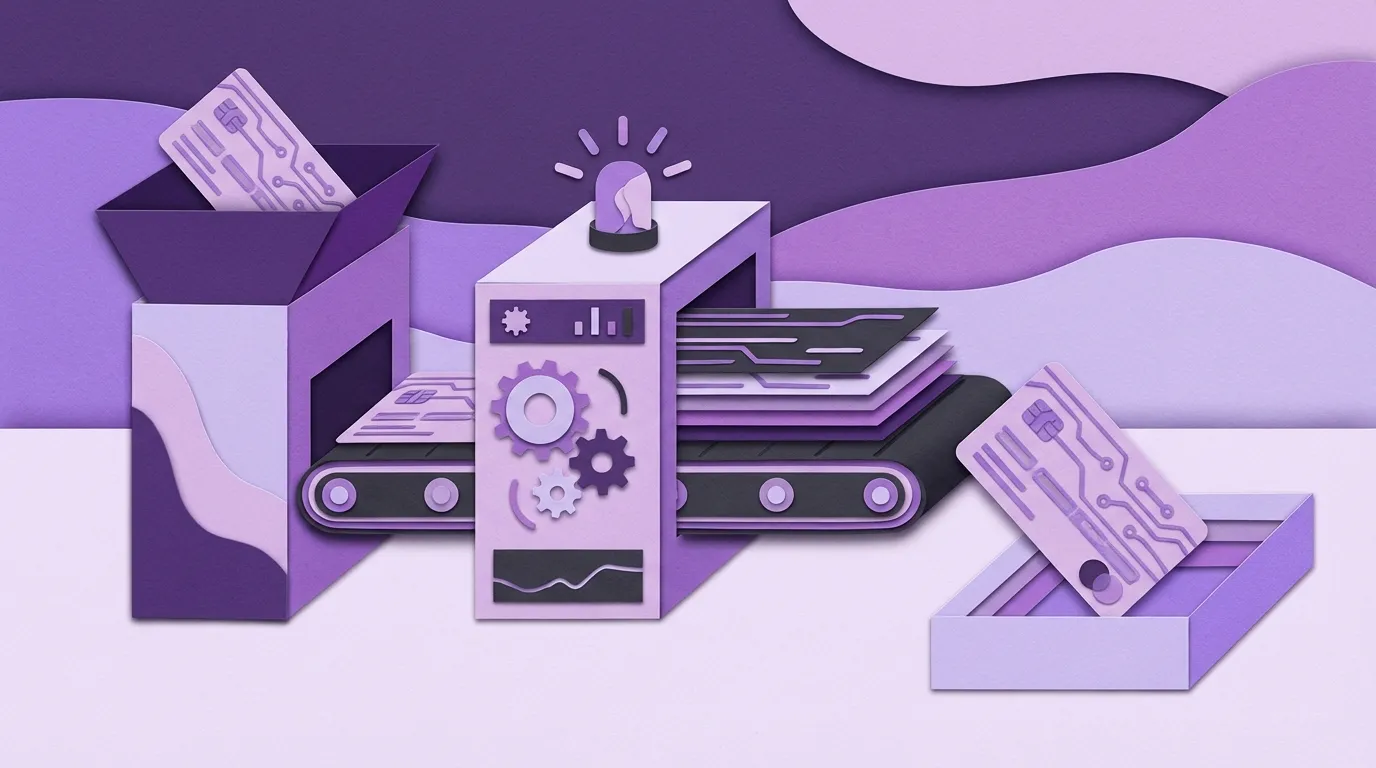
Six lines of meaningful code to go from "card in hopper" to "card encoded and ejected." Behind those six lines is a month of debugging that we never want to repeat.
Why We Built This
We build custom business software for small and mid-sized companies. That's what PurpleOwl does. One of those projects required issuing NFC-encoded ID cards as part of a larger workflow — badge management, access control, the works.
The Zebra ZC350 is a solid piece of hardware. But the software integration story is rough. Here's a taste of what we ran into.
The SDK Isn't on NuGet
There's no npm install or dotnet add package for the Zebra Card SDK. You download a multi-hundred-megabyte installer from zebra.com, run it, then manually hunt through C:\Program Files\Zebra Technologies\ for about fifteen DLLs. You copy them into your project by hand. You add <Reference> entries to your .csproj for each one. You hope you didn't miss any.

Every new dev machine means repeating this ritual. There's no lock file, no dependency resolution, no reproducible build. Just "did you remember to copy the DLLs?"
USB Discovery Requires Reflection
To find a USB-connected printer, you call UsbDiscoverer.GetZebraUsbPrinters(). Except the class lives in a separate assembly that isn't always loaded. And the property that gives you the USB address has different names across SDK versions — SymbolicName, UsbSymbolicName, Address, or DeviceId, depending on which version you're running.
We ended up using .NET reflection to crawl loaded assemblies, find the type, invoke the method, and try four different property names. It works. It's not pretty.
Connections Die Silently
The TCP connection to the printer (port 9100) can drop without telling you. The connection object still exists. IsConnected might still return true. But the next SDK call either hangs for thirty seconds, returns garbage, or throws an unrelated exception from deep inside the SDK.
Every operation in Dazzle wraps SDK calls with try/catch and automatic reconnection. Because you can't trust the connection state. Ever.
"Card Present" Doesn't Mean "Card Ready"
After the printer feeds a card to the encoder station, there's a variable delay before the PC/SC reader recognizes it. During that window, the card reports as "Present" but "Unpowered." If you try to connect too fast, you get RemovedCard errors — even though the card is physically right there.
Dazzle polls for the card to be both present AND powered before attempting a connection. It sounds obvious in hindsight. It wasn't obvious at 11 PM on a Tuesday.
The Cindy Incident
This one deserves its own section because it cost me personally about five hours.
When you connect to the printer's internal smart card encoder via PC/SC, you get back an ATR (Answer to Reset) — a string of bytes that identifies what you're talking to. We connected, got an ATR, decoded the historical bytes to ASCII, and read: "Cindy0".
Every APDU we sent came back with SW=6900 — "command not allowed." Read the UID? 6900. Authenticate? 6900. Write? 6900. Everything: 6900.
We assumed we were accidentally talking to the SAM (Security Access Module) instead of the contactless card. We tried changing encoder configurations, different share modes, transparent RF commands, every IOCTL code we could find. We even built a reflection-based probe to crawl the Zebra SDK DLL for hidden methods. Nothing worked.
Here's what "Cindy0" actually is: it's the Elatec TWN4 reader's Virtual Slot — a permanently-emulated smart card that accepts the TWN4 "Simple Protocol" commands wrapped in APDUs. It's not a card. It's a command channel. Standard PC/SC commands don't work on it because it's not a card.
The Elatec encoder inside the ZC350 exposes multiple logical PC/SC slots. The Virtual Slot (Cindy0) is always present, even when no card is in the field. The actual contactless card shows up on a different slot — but only after you've used the command channel to search for a tag first.
The documentation for this is buried in the TWN4 PCSC specification (DocRev12). It is not included with the Zebra SDK. You have to know it exists and ask for it specifically.
Five hours. Because a reader named its virtual slot "Cindy."
What's in the Box
Dazzle includes:
The .NET Helper (ZebraCardHelper) — handles all communication with the printer and encoder. Manages connections, card feeding, PC/SC relay, smart card APDUs, virtual USB tunneling for Ethernet printers, and automatic reconnection. You build it once and deploy it alongside your app.
The Node.js Wrapper (zebra-card-printer.js) — a clean JavaScript class that spawns the helper, manages the JSON protocol, correlates requests and responses, handles timeouts, and provides an event-based API. Promise-based, straightforward, no surprises.
The Pain Points Document — a detailed chronicle of every gotcha, race condition, and undocumented behavior we discovered. If you're doing any work with Zebra card printers and NFC encoding, this document alone might save you a week.

The JSON Protocol
We chose JSON-over-stdio for the IPC layer because it's dead simple and works everywhere. Your app spawns the helper as a child process. You write a line of JSON to stdin, you read a line of JSON from stdout. Every request has an id, every response echoes it back.
→ { "id": 1, "cmd": "connect", "ip": "192.168.1.100" }
← { "id": 1, "ok": true, "data": { "connected": true } }

→ { "id": 2, "cmd": "feed" }
← { "id": 2, "ok": true, "data": { "fed": true } }

→ { "id": 3, "cmd": "smartcard.transmit", "apdu": "FFCA000000" }
← { "id": 3, "ok": true, "data": { "response": "04a23b1a9070809000" } }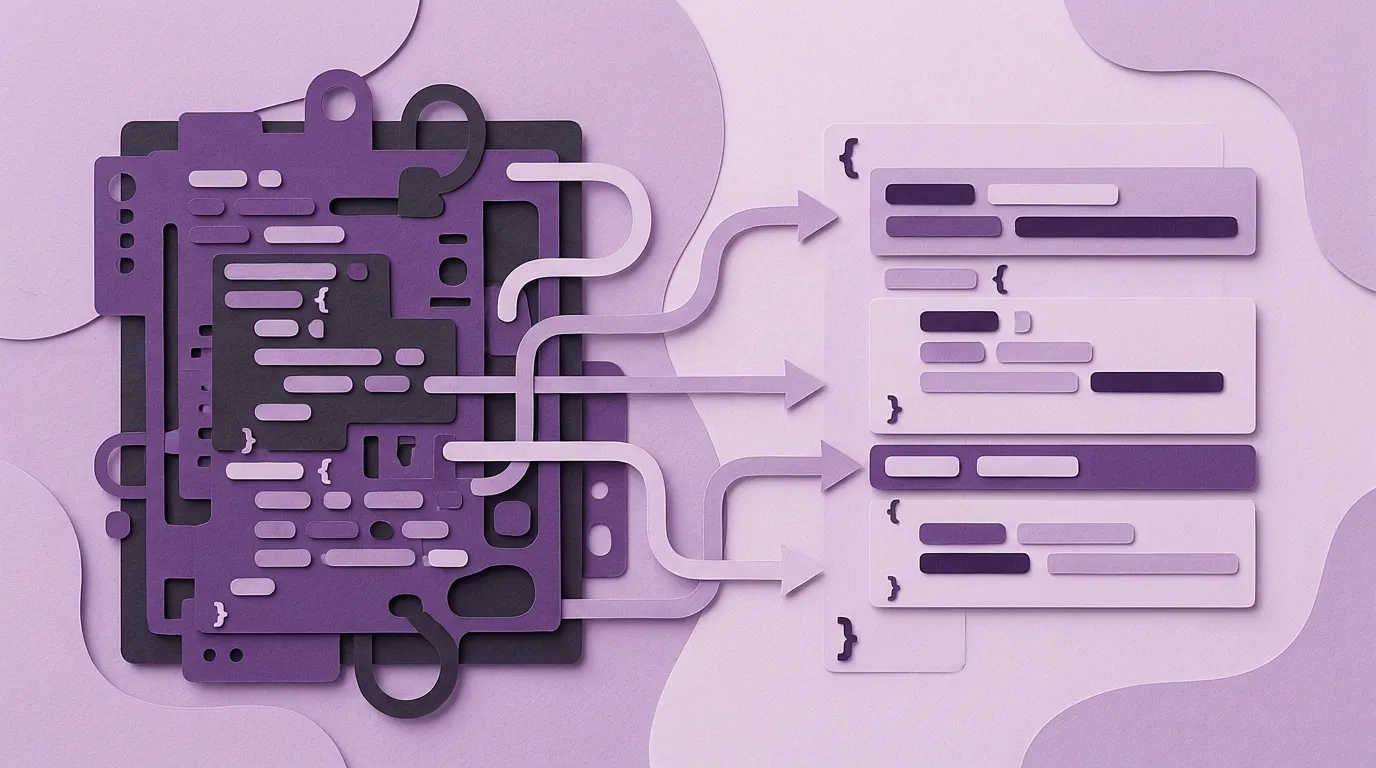
This means Dazzle isn't locked to Node.js. Any language that can spawn a process and read lines can use it. Python, Go, Ruby, a bash script — whatever fits your stack.
Who This Is For
If you're building a system that needs to issue NFC-encoded cards — employee badges, access cards, membership cards, transit passes — and you're using Zebra ZC350 hardware, Dazzle is for you.
It's also for anyone who's currently fighting the Zebra SDK and wondering why nothing works. We've been there. We documented everything. It's all in the repo.
Why Open Source
We're a small shop. We build custom software for businesses. We're not in the business of selling printer libraries. We built Dazzle because a client needed it, and we're releasing it because the alternative is letting every developer who touches a ZC350 rediscover these same problems from scratch.
The Zebra hardware is good. The integration experience shouldn't be this hard. If Dazzle saves even one developer from spending five hours on "Cindy0," it was worth open-sourcing.
Get Started
Dazzle is MIT-licensed and available now on GitHub. https://github.com/purpleowl-io/dazzle
The README walks you through setup, and the PAINPOINTS.md document covers every hard-won lesson in detail. If you're working with Zebra card printers, start with the pain points doc. Seriously. Read it before you write a single line of code. Future you will be grateful.
PurpleOwl builds custom ERP, CRM, and PSA solutions for small and mid-sized businesses. We believe code should adapt to people, not the other way around. Sometimes that means building tools that don't exist yet — and sharing them when we do.
Keywords
Related Articles
Your Vibe-Coded App Is Rolling Up Everything You Own
Explore the hidden security risks of vibe coding. Learn why connecting AI to your core business data...
Vibe Code the Prototype, Not the Product
Learn why vibe coding is the ultimate tool for prototyping and requirements gathering, and why you m...
Your People Are the Integration Layer (And It's Costing You Everything)
Is your team acting as human middleware? Discover the 6 hidden patterns of integration failure costi...