
Every Article You Write Is Already a Podcast. You Just Haven't Pressed the Button Yet.
Convert your blog posts into professional podcasts automatically. Learn how to use Node.js and ElevenLabs to create AI-powered audio from your Markdown content.
At some point last year I noticed that most of my blog reading had shifted to listening. Not audiobooks — podcasts. Specifically, the kind where someone reads a well-written article out loud while I'm driving or making coffee. It occurred to me that every article on our blog was already a script. It just didn't have a voice yet.
So we gave it one. And the whole thing turned out to be absurdly simple.
The Generator Is Smaller Than You Think
The entire blog-to-podcast pipeline is a single Node.js script. About 200 lines. It reads your markdown, strips out the formatting, chunks the text into pieces that fit the API limits, sends each chunk to ElevenLabs for text-to-speech, stitches the audio back together with an intro and outro, and writes out an MP3.
That's it. No elaborate pipeline. No queue system. No microservices. One script, one command, one output.
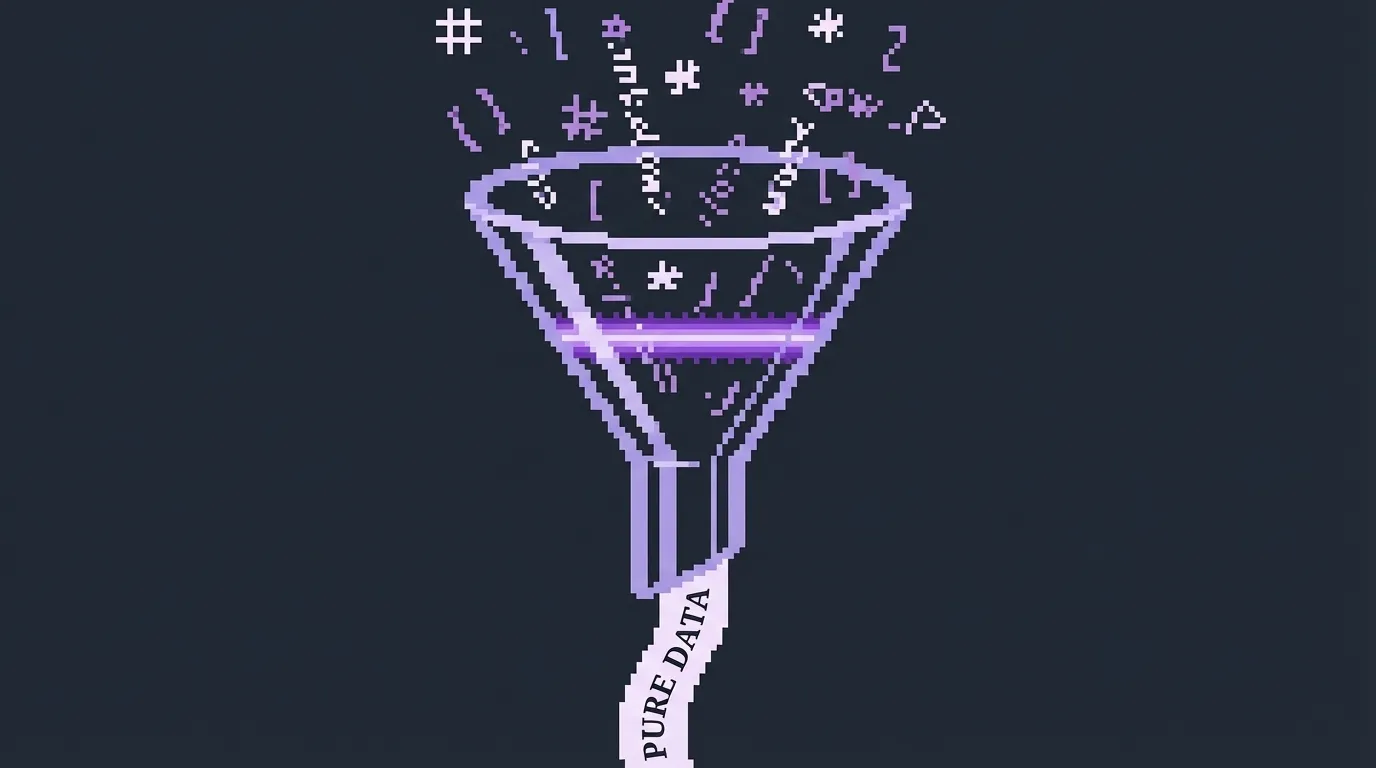
The first step is stripping markdown to plain text. You can't send heading markers and image tags to a text-to-speech API and expect good results. The cleanup is a chain of regex replacements — strip code blocks first (you don't want the voice reading your JavaScript), then inline code, then image references, then links (keep the link text, drop the URL), then headings, bold, italic, blockquotes, list markers, and HTML tags. What's left is clean prose:
text = text.replace(/```[\s\S]*?```/g, "");   // code blocks
text = text.replace(/`[^`]+`/g, "");            // inline code
text = text.replace(/!\[.*?\]\(.*?\)/g, "");     // images
text = text.replace(/\[([^\]]+)\]\([^)]+\)/g, "$1"); // links → text only
text = text.replace(/^#{1,6}\s+/gm, "");        // headings
The order matters. If you strip inline formatting before links, you'll mangle the link text. Code blocks need to go first because they can contain anything.
The reason it works this cleanly is that the hard part — writing something worth listening to — already happened. If you followed the process from our earlier article on AI-assisted writing, you already have a 1,200-word article written in your natural voice, full of stories and specific details. That kind of writing translates to audio almost perfectly because it was born from a conversation in the first place. It already sounds like someone talking.
The Stitching Problem
There's one technical wrinkle that matters. ElevenLabs has a character limit per request — around 5,000 characters works reliably. Most blog posts are longer than that. So you have to split the text into chunks and make separate API calls.
The naive approach — just splitting and concatenating — produces audio where the voice subtly shifts between chunks. The pacing changes. The tone resets. It sounds like someone who keeps clearing their throat and starting over.
ElevenLabs solves this with request stitching. When you send a chunk, the API returns a request ID in the response headers. You pass the last few IDs along with the next chunk, and the model uses them to maintain vocal continuity — same pacing, same energy, same prosody. The voice carries across the boundary as if it were one continuous read.
The API call for each chunk looks like this:
const body = {
    text,
    model_id: "eleven_multilingual_v2",
    voice_settings: {
        stability: 0.5,
        similarity_boost: 0.75,
        style: 0.0,
        use_speaker_boost: true,
    },
};

// This is the key — pass the last 3 request IDs for continuity
if (previousRequestIds.length > 0) {
    body.previous_request_ids = previousRequestIds.slice(-3);
}
The slice(-3) is important. ElevenLabs accepts up to three previous request IDs. More than that and you're sending unnecessary data; fewer and the voice has less context to maintain consistency. Three gives the model enough history to match the rhythm of the preceding audio without looking too far back.
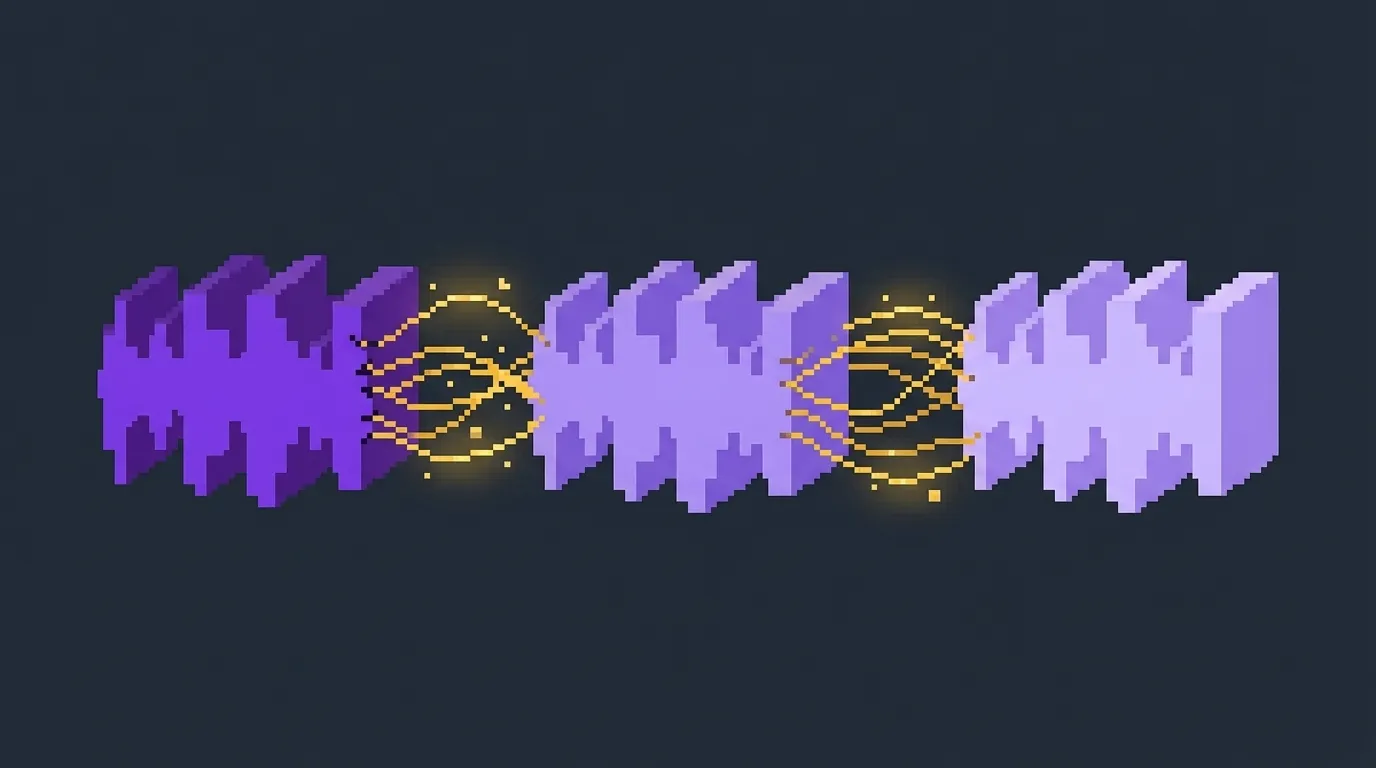
In practice, this means the chunking code needs to be thoughtful about where it splits. You don't want to break mid-paragraph, and definitely not mid-sentence. The chunker splits on double-newlines (paragraph boundaries) first, accumulating paragraphs into a chunk until the next one would push it over the 5,000 character limit. If a single paragraph exceeds the limit — rare, but it happens — it falls back to splitting on sentence boundaries using a regex match on terminal punctuation:
const sentences = trimmed.match(/[^.!?]+[.!?]+\s*/g) || [trimmed];Fewer chunks means fewer boundaries means smoother audio.
The Intro, The Outro, and the Owl
Every episode needs bookends. A bare article read with no intro feels like walking into the middle of a conversation. A clean intro tells the listener "this is a thing, it's starting now, pay attention."
We produced a short sonic sting — a modern synth motif with an owl hoot that lands on the final note. It's about four seconds. Warm, understated, recognizable. The outro is the same motif in reverse energy, winding down instead of opening up. Between the two, the listener's brain gets the signal: this is PurpleOwl content, this is the beginning, this is the end.
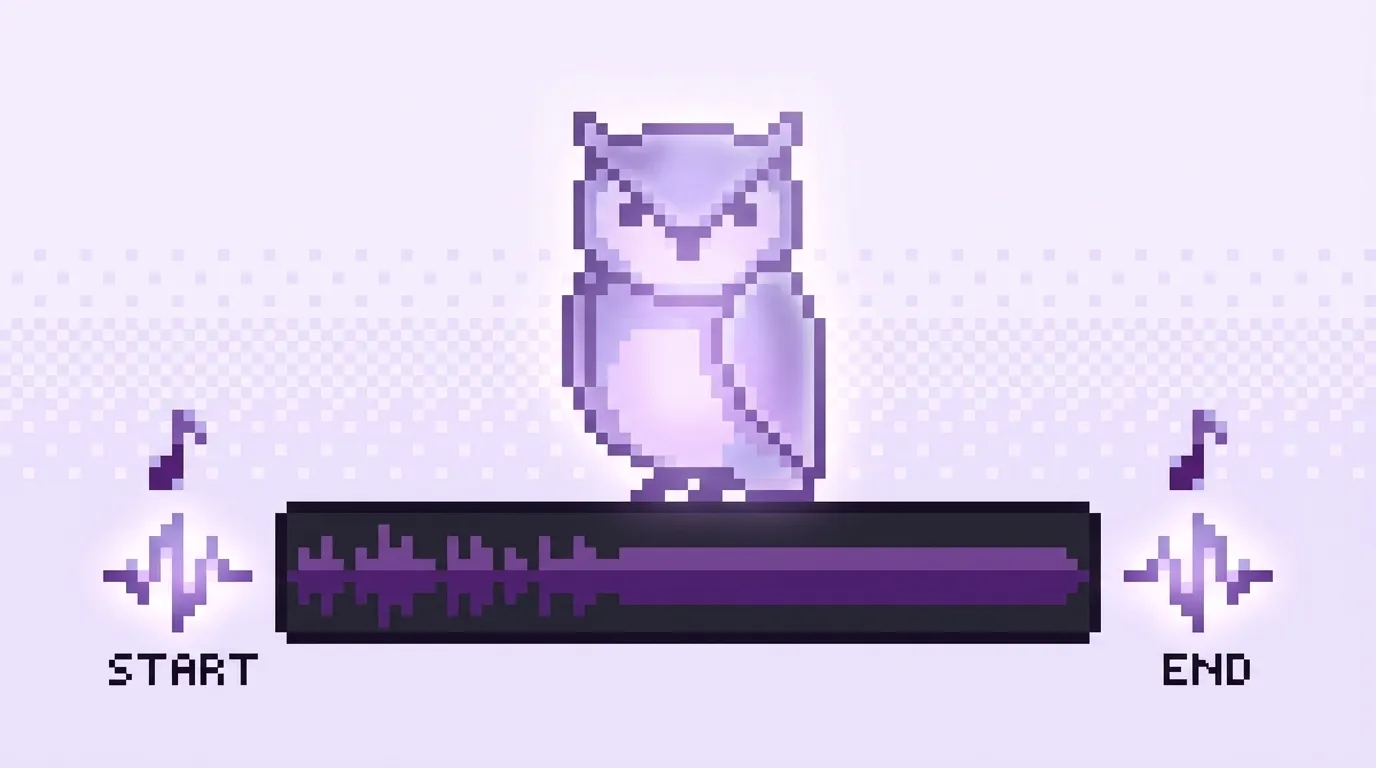
The script handles this automatically. If it finds intro.mp3 and outro.mp3 in the audio scripts directory, it concatenates them with the generated speech using ffmpeg. There's also a pad.mp3 — a short silence — that goes between the last word and the outro so it doesn't feel rushed. If any of those files are missing, it just skips them and outputs the raw narration.
The concat uses ffmpeg's filter_complex to stitch all the pieces together in one pass — intro, speech chunks, pad, outro — into a single 192kbps MP3:
const inputs = inputPaths.map((p) => `-i "${p}"`).join(" ");
const filters = inputPaths.map((_, i) => `[${i}:a]`).join("");
const filterGraph = `${filters}concat=n=${inputPaths.length}:v=0:a=1[out]`;

execSync(
    `ffmpeg -y ${inputs} -filter_complex "${filterGraph}" -map "[out]" -b:a 192k "${outputPath}"`
);
This is the entire assembly step. No intermediate files survive — everything happens in a temp directory that gets cleaned up after the final MP3 is written.
The Player Took Longer Than the Generator
This is the part that tells you where the real complexity lives in 2026. Generating the audio — the actual AI-powered text-to-speech with voice stitching — took an afternoon to build. The web player took a week.
The player needed to handle waveform visualization, playback speed controls (1x, 1.25x, 1.5x, 2x), skip forward and back (30 and 15 seconds respectively), keyboard shortcuts, a queue system for listening to multiple articles in sequence, and a persistent sticky bar that follows you around the site so you can keep listening while you browse.
The waveform is the visual element that makes the player feel polished instead of generic. It's computed client-side by decoding the full audio buffer through the Web Audio API and bucketing the samples into 80 amplitude bars:
const actx = new AudioContext();
const decoded = await actx.decodeAudioData(buffer);
const raw = decoded.getChannelData(0);
const bucketSize = Math.floor(raw.length / 80);
const bars = [];
for (let i = 0; i < 80; i++) {
    let sum = 0;
    for (let j = i * bucketSize; j < (i + 1) * bucketSize; j++) {
        sum += Math.abs(raw[j]);
    }
    bars.push(sum / bucketSize);
}
Each bar's height reflects the actual audio energy at that point in the track. As playback progresses, the bars behind the playhead fill in with a clip-path transition — so you get a real waveform that doubles as a progress indicator, not a generic slider.
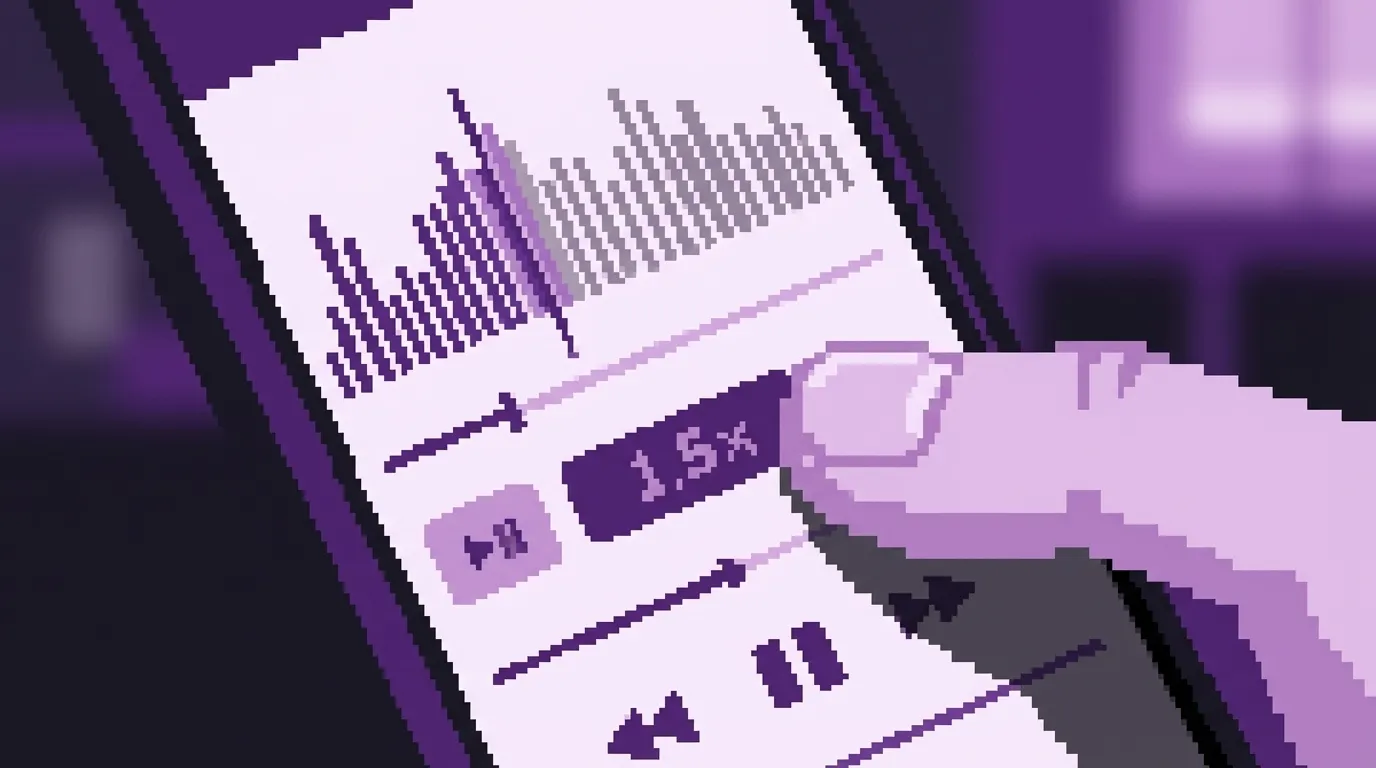
Position persistence saves to localStorage every 5 seconds while playing. Close the tab, come back next week, and you pick up mid-sentence. The MediaSession API integration means the track title and playback controls show up on your phone's lock screen and your car's Bluetooth display — the article title appears as "Now Playing" with PurpleOwl as the artist:
navigator.mediaSession.metadata = new MediaMetadata({
    title: currentTrack.title,
    artist: "PurpleOwl Blog",
    artwork: [{ src: currentTrack.coverUrl, sizes: "512x512", type: "image/webp" }],
});
None of that is AI. It's just good front-end engineering. The AI part — turning 1,200 words of prose into a natural-sounding seven-minute audio read — is the easy part now. The user experience around it is where the effort goes.
Distribution: Spotify, Apple, RSS
Once you have MP3 files with proper metadata, distributing them as a podcast is mostly a matter of generating an RSS feed in the right format. Each blog post becomes an episode. The title is the article title. The description is the meta description. The publication date matches the blog post date.
We publish the feed at /podcast/feed.xml and submit it to Spotify and Apple Podcasts. The blog list page shows podcast badges — Spotify, Apple Podcasts, RSS — so readers can subscribe in whatever app they already use. Each article page has the embedded player for people who want to listen right there.
The result is that every article we publish automatically exists in three formats: a blog post you can read, an illustrated article with styled images, and a podcast episode you can listen to. All from the same markdown file.
The Full Pipeline
If you've been following this series, the complete content pipeline now looks like this:
You start with an AI interview — over an hour of conversation where the AI pushes you to go deeper, get more specific, and articulate things you wouldn't have thought to write down. That produces two to three thousand words of raw material.
You edit that into a finished article. Thirty to forty-five minutes of cutting, tightening, and making sure the arc holds.
You paste the article into Article Image Studio. Five minutes later you have a full set of styled illustrations — same palette, same aesthetic, matched to your content.
You run the audio generation script. A few minutes of processing and you have a podcast episode with intro, outro, and consistent voice throughout.
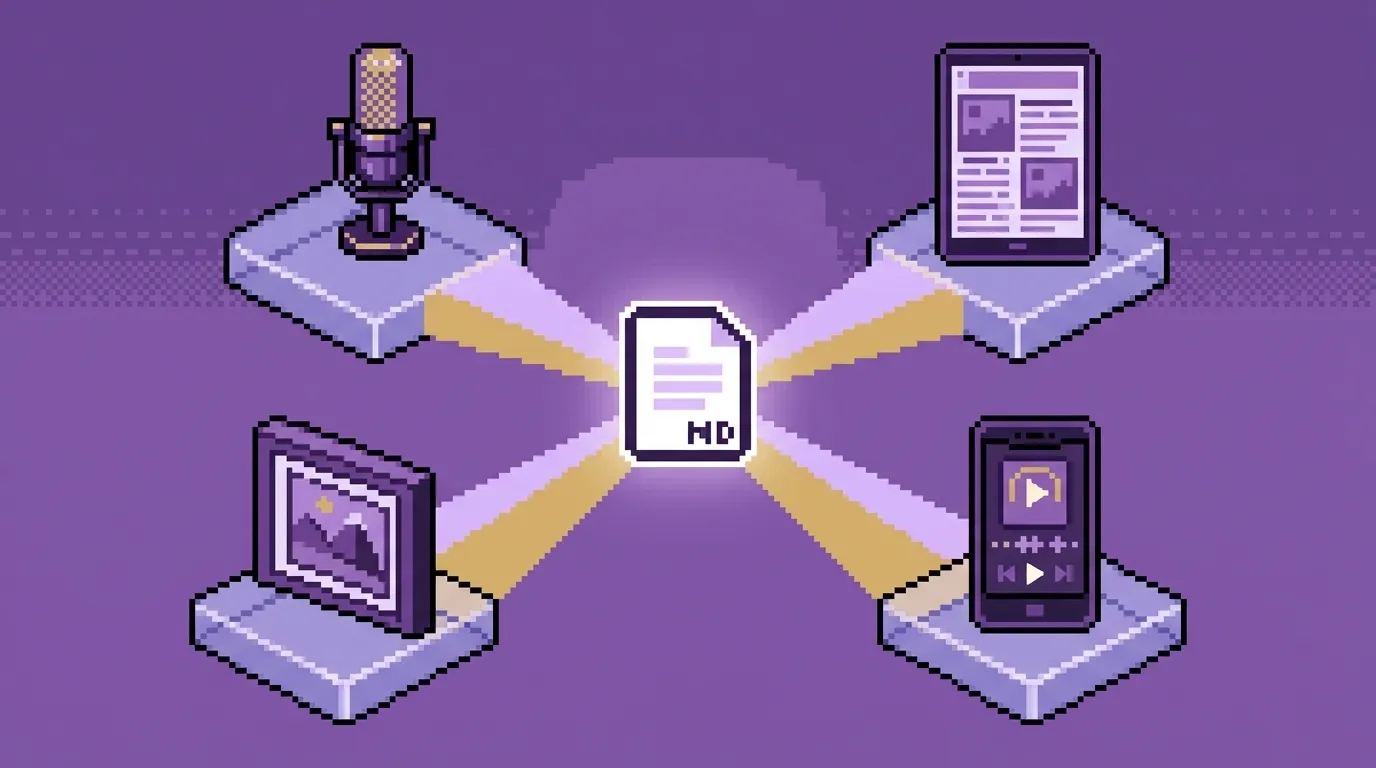
Same markdown file. Four outputs. A published blog post, a set of on-brand illustrations, a podcast episode on Spotify, and the full illustrated article as a downloadable document. The writing took real time and real thought. Everything else is rendering.
The Code
The generator is open source as part of our site toolkit. The core of it is straightforward enough that I can describe the whole thing in a few sentences.
It reads every post directory looking for content.md files. For each one, it strips the markdown to plain text, chunks the text at paragraph boundaries, sends each chunk to ElevenLabs with the previous request IDs for stitching, collects the audio buffers, and concatenates them with the intro and outro using ffmpeg. The output goes to audio.mp3 in the same post directory.
Running it is one command:
# Generate audio for posts that don't have it yet
node scripts/generate-audio.js

# Regenerate a specific post (after edits, voice change, etc.)
node scripts/generate-audio.js --slug your-article-slug

# Regenerate everything — new voice, new intro, fresh start
node scripts/generate-audio.js --force
The voice, the model, the chunk size, the API key — all configurable through environment variables. We use ElevenLabs' eleven_multilingual_v2 model with a voice called George (voice ID JBFqnCBsd6RMkjVDRZzb), but any voice works. Set ELEVENLABS_VOICE_ID in your .env.local and the whole blog sounds different. The voice settings — stability at 0.5, similarity boost at 0.75, speaker boost enabled — give a natural, conversational read without too much dramatic variation. Dial stability up for a more consistent newsreader feel, or down for more expressive delivery.
Try It
If you already have a blog with markdown content and an ElevenLabs API key, you can have audio versions of your articles by the end of the day. The script handles the chunking, the stitching, and the concatenation. The player is a React component you can drop into your layout.
If you don't have articles yet, start with the interview process from Stop Writing Articles. Start Having Conversations. If you have articles but no images, run them through Article Image Studio. Then come back here and give them a voice.
The entire pipeline runs on two API keys, one open-source tool, and a single script. Everything your readers see, hear, and share comes from the same markdown file you wrote — or rather, that you talked into existence.
Keywords
Related Articles
Your Article Is Done. Now It Needs Pictures.
Stop using generic stock photos. Article Image Studio is a free, open-source tool that turns your bl...
We Automated Our Product Walkthrough Video. The Whole Thing.
Stop manually recording product demos. Learn how to use Playwright, ElevenLabs, and FFmpeg to automa...
Stop Writing Articles. Start Having Conversations.
Learn how to transform your content marketing by replacing the blank page with an AI-driven intervie...