
Who Fixes It at 2 AM? The Dangers of Vibe Coding
Vibe coding creates tools that work—until they don't. Learn why undocumented, AI-generated systems are a ticking time bomb and how to build a recovery plan.
Part 5 of a series on the dos, don'ts, and dangers of vibe coding.
Here's the twist nobody warns you about: the danger is not that your vibe coding is going to suck. The danger is that it's going to be good.
Bad tools die quietly on a shelf. Good tools get used — and then relied on, and then promoted by their own success into running some real part of your business. In the prototype article I quoted a developer who once told me that every prototype has a danger of going into production. This article is about the morning after that prophecy comes true: the tool everyone depends on stops working at the worst possible hour, and the question in the title has no answer. Because "it works" was always the wrong question. The right questions were: How is this deployed? Who administers access? How are backups done — and can we do a partial restore into history? How do we know it's working right now? Is anything drifting over time? What stack is this on, and did last week's security scare apply to it? Nobody asked, because the thing just kept working.
This disease predates AI
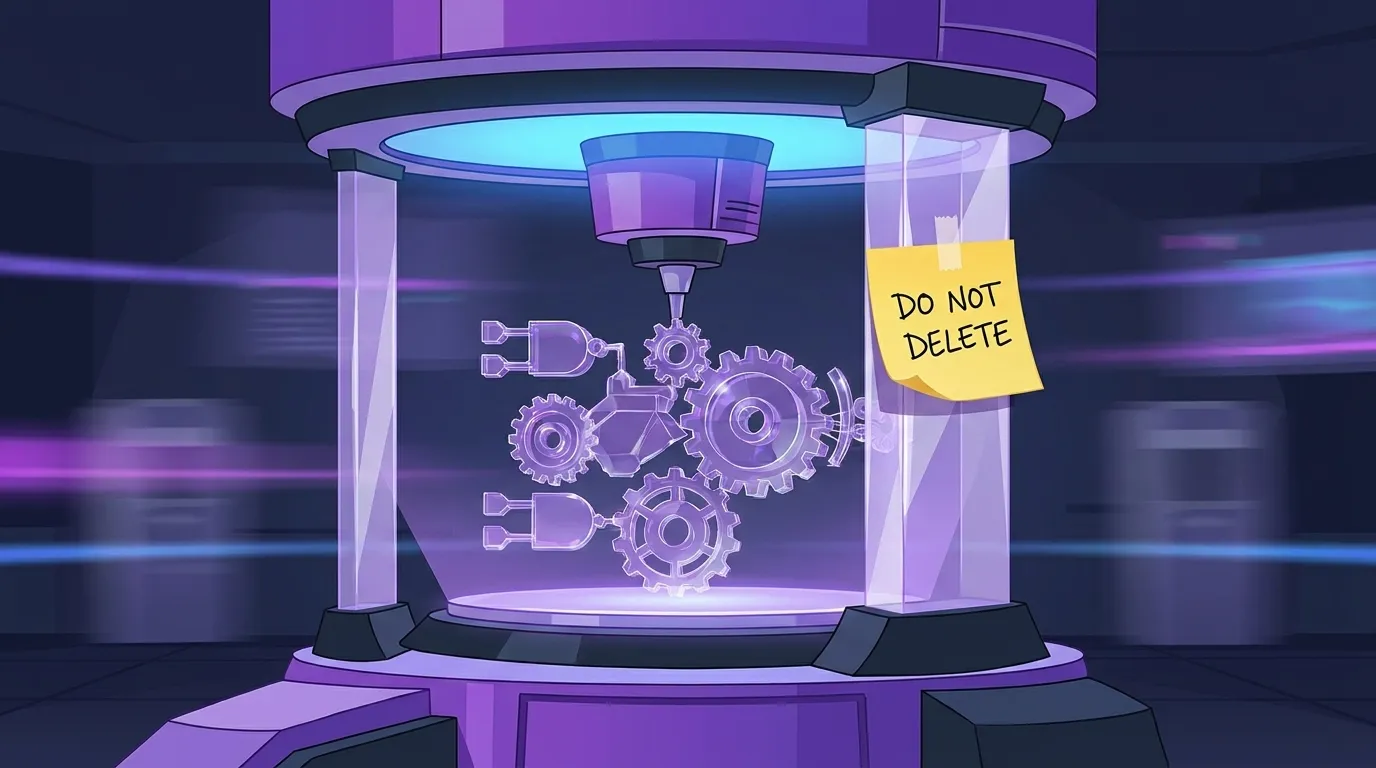
I want to be fair: none of this started with vibe coding. My favorite pre-AI specimen was a mystery about why sales commissions had stopped updating. The eventual answer: years earlier, somebody had finally gotten commissions working by hacking a report — the report just happened to iterate over all the right records, so the commission calculation got wedged into that step. Yes, you read that correctly: payroll-adjacent math running as a side effect of a report. Supported by an Excel file tucked into a subdirectory of somebody's home directory, bearing one helpful note: "please don't delete me."
That's the disease. It has always existed. What vibe coding did is industrialize it — the same undocumented, load-bearing accidents, now produced in an afternoon instead of accreted over years.
The treasure hunt
Here's the modern version. I was asked to look at a fairly mundane system — it tracked data about recordings of service calls — because it had stopped updating. Simple enough.
The first thing you do is look at the code. All eleven thousand lines of it, in a single file. And reading through it was genuinely something — if the situation weren't urgent it would have been funny, because the code read like a story of how it was put together: one exception bolted on after another after another, each patch narrating the emergency that produced it.
Next you look at the data. The database had tables helpfully named things like "recordings" — which turned out to contain indexes. Indexes into what? Unknown. Just IDs of something, which required another expedition into the eleven thousand lines to discover what those IDs referred to and where the actual data had been put instead.
It was a treasure hunt. Honestly, if it hadn't been urgent, the process would have been almost pleasurable — especially if there'd been a block of cheese at the end of it. But that's the point: at 2 AM, with a business process down, nobody wants a treasure hunt. And a treasure hunt is exactly what an undocumented system guarantees, because the map was in a chat session that expired months ago.
Your backup is a beeping sound
Everyone tells me they have backups. At this point, "I have a backup" has practically become one of those sounds you make while going in reverse — beep, beep, beep.
Jokes aside: I ask what the backup is, and for a locally vibe-coded system — no version control, nothing in the cloud — the answer is often some software that copies things to a USB drive connected to the same machine, where the logged-in user has permission to erase everything on that drive. I probably don't need to continue describing how good of a backup that is. One incident, one ransomware visit, one wrong click, and the backup dies with the patient.
But here's the deeper problem, and it's a word I will keep repeating in this series: evidence. Your backup is just that beeping sound until you have actually restored it. Not "could restore it." Have restored it — and understood how you get to that data. How you get to it when the system is down. How you get to it when the system is running, and you need to extract only part of it.
Because real recovery is rarely "wipe and reload." Say you crash, you limp back to life, a few orders come in on the fresh system — and two days later you finally restore the old data. Now reconcile those. If the first time you're learning the structure of your own database is during that exercise, I can tell you in advance: it is not going to be a good experience.
The security scare you didn't know applied to you
Then there's the stack. Every so often a vulnerability lands in some widely used framework and every serious software shop scrambles to check exposure and patch. Now ask the vibe-coded version of that question: what stack is your system even on? Which frameworks, which versions? Who at your company is subscribed to security advisories for ingredients nobody knows the names of?
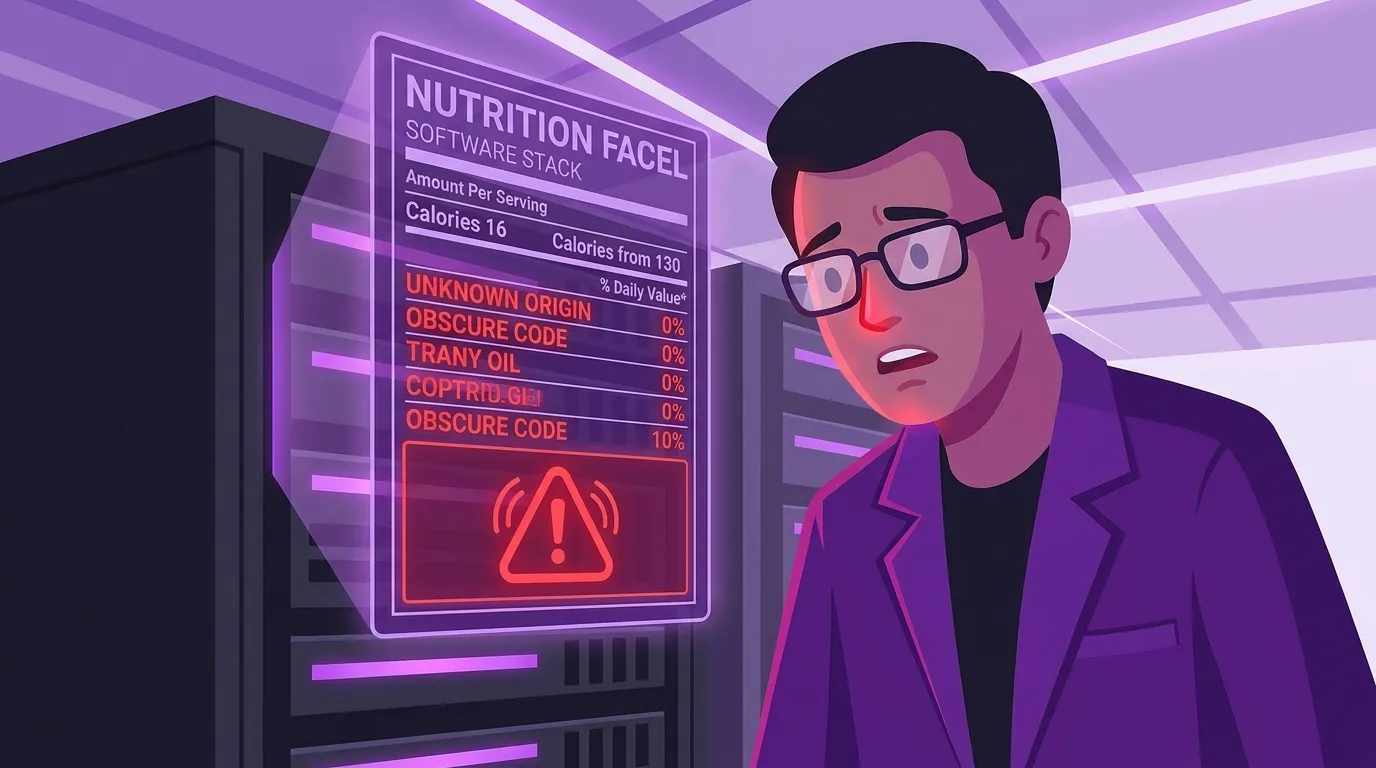
I've said it in earlier articles and it bears repeating here: a system can't vouch for itself, so don't let it. Don't ask it "are you secure?" Instead, come up with a framework for what you believe secure looks like — you can absolutely use AI to help build that — and then go hunt for the evidence. Remember the horror story from the first article: the system dutifully using Google Secret Manager and then saving every secret to a readable file. A simple vulnerability scan would have caught that. The credentials in use were known and could have been searched for; even their format was hiding in plain sight. The tooling to catch it existed the whole time. Nobody ran it, because the system said it was fine and the system kept working.
All of these things cost the same whether you do them up front or after the fact. The only difference is that after the fact, you pay at the most expensive, most panicked, most repetitive possible moment.
"It's been running fine for fourteen months"
The skeptic says: you're describing problems I don't have. This thing has run flawlessly for fourteen months.
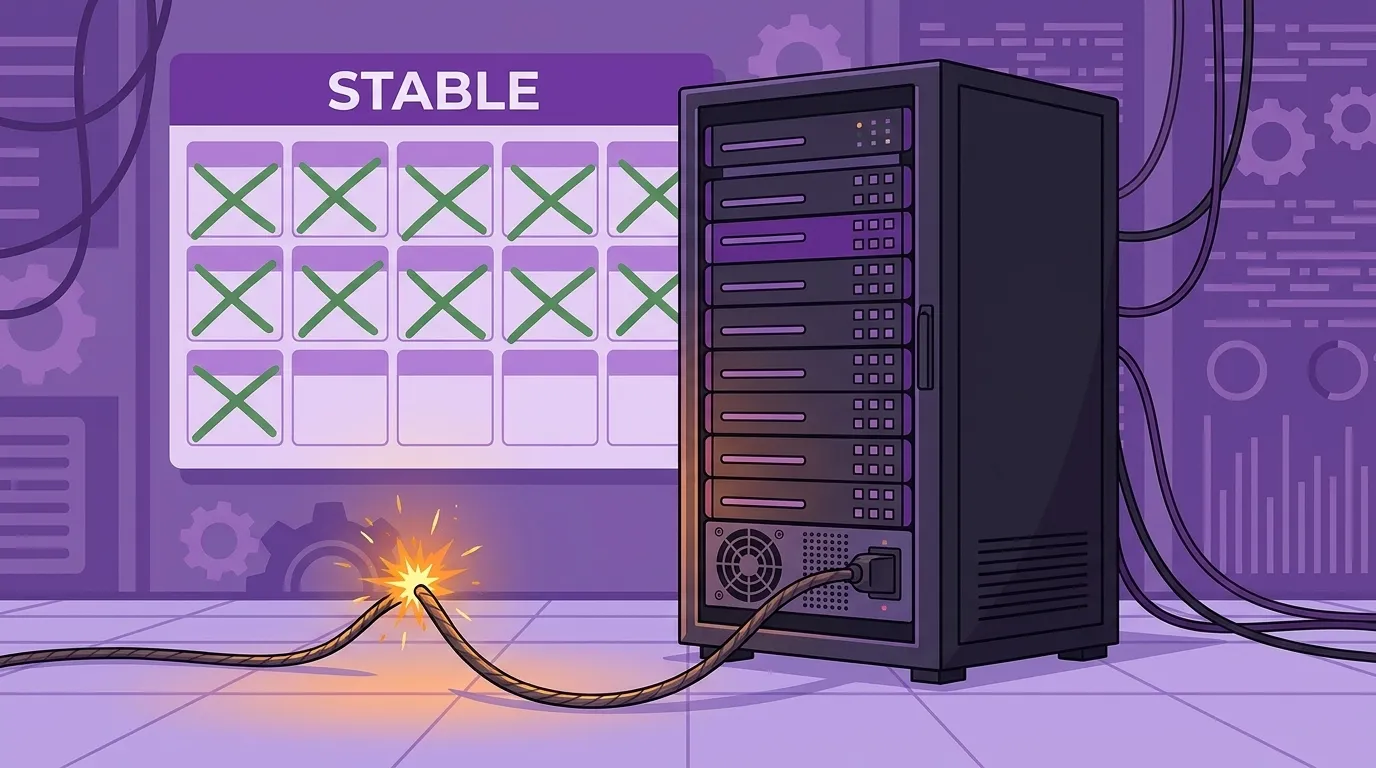
Here's what those fourteen months actually were. For fourteen months it's been incurring technology debt. For fourteen months you've been forgetting how it works and what you asked it to do. For fourteen months you've been adding dependency on it — more of the business leaning on it a little harder each quarter. And for fourteen months you've been building complacency, because after this long, why would anyone check anything? Why would you notice if the numbers started quietly drifting?
Uptime is not evidence of health. It's the accumulation of everything you haven't looked at. And if "it's been fine" is the entire case for why it will be fine for the next fourteen months, you're not describing reliability — you're describing how long the fuse has been burning.
Run the fire drill before the fire
So here's the practical part, and as with everything in this series, most of it is one ask away — with one exception I'll put first.
If you genuinely don't know what to do, hire an expert. Seriously. Get an MSP and ask. There's no rule that says you personally must operate the thing you vibe coded, and a competent outside party will find in an afternoon what you'd find at 2 AM.
Then, the asks. Have the AI produce an operational runbook: where does this run, how is it deployed, how do you restart it, where are the logs. Have it collect every credential the system uses — every key, every account — and then decide what your credential strategy actually is, on purpose, instead of by accretion. Have it lay out your backup layers — there are backups and there are snapshots, and you can ask the AI to explain the difference and set up both. Decide what your genuinely important data is, and write that down too.
And then the step that turns all those documents from paperwork into protection: have the AI produce tests that verify you can actually reach your data. Not "is there a backup file" — real drills, on a calm Tuesday, on a scratch machine. Restore everything. Then do the surgical version: copy all the records from 9:14 AM to 10:47 that have more than two orders associated with them, into the new system — because that's the shape recovery actually takes when you're working around the bug that caused the outage. If you can do that drill on a quiet afternoon, 2 AM loses most of its teeth. If you can't, you now know exactly what the fire will look like, and you found out for free.
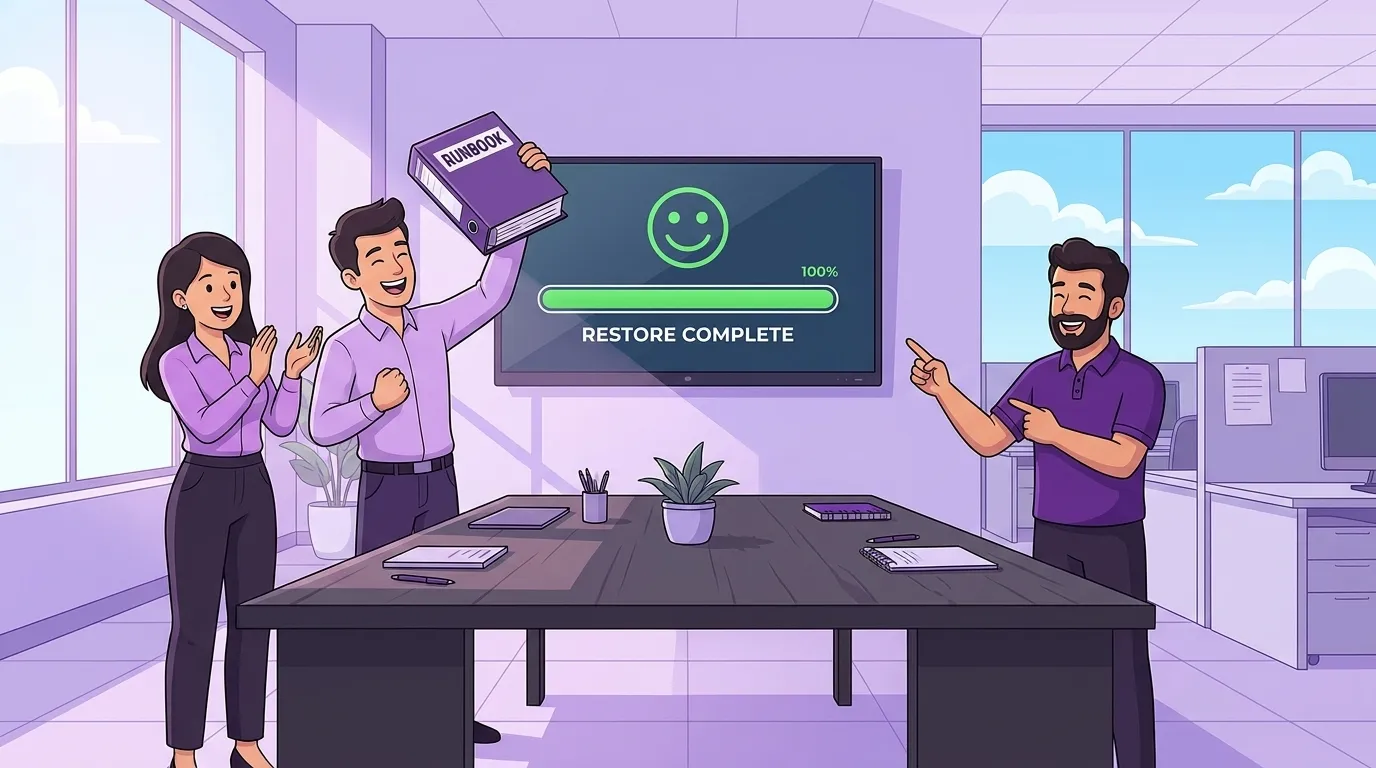
Because here's the sentence I'd have you keep: a system you can't restore, restart, or explain is not an asset. It's a countdown.
Part 5 of 7 — Dos, Don'ts, and Dangers of Vibe Coding
Previous: ← Source Control Is Not Mind Control
Next: The Polish Is the Fingerprint →
Keywords
Related Articles
Your Vibe-Coded App Is Rolling Up Everything You Own
Explore the hidden security risks of vibe coding. Learn why connecting AI to your core business data...
The Polish Is the Fingerprint: The Dangers of Vibe Coding
Explore how AI coding assistants create 'polished' junk code. Learn why AI-generated commits look pr...
How I Keep the AI Honest
Discover practical strategies to keep AI coding honest. Learn how to use scaffolding, disposable cha...