
Customer Portals That Let Clients Help Themselves
Reduce support calls and empower your customers! Learn how a well-designed customer portal can streamline processes and improve satisfaction. Implement self-service now!
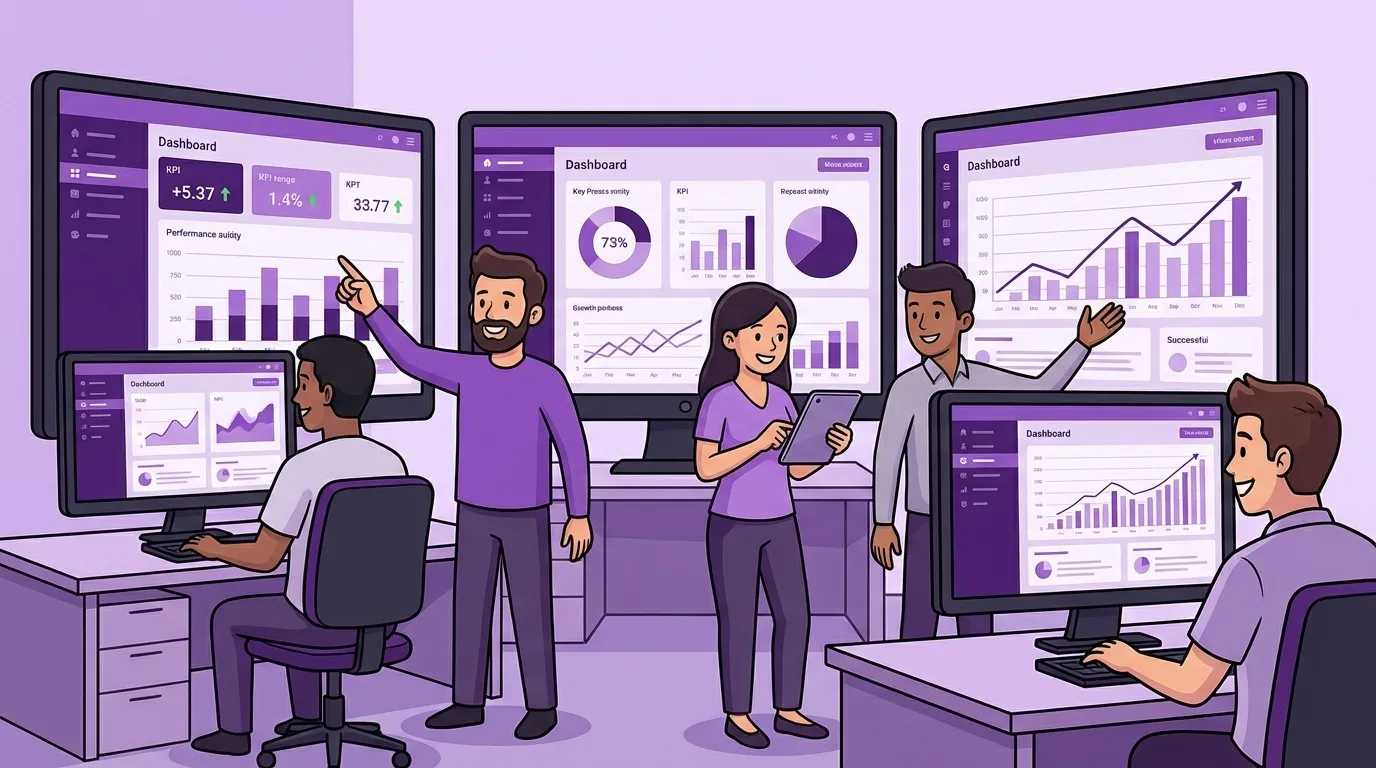
Customer Portals That Let Clients Help Themselves
By the time most small businesses think “we should have a portal,” the real thought underneath is:
“Please, for the love of sanity, stop calling us for things we already know.”
I’m writing this because we’ve quietly crossed a line. As small businesses lean on more tech and more data to run day-to-day, the need to share that data has become a core operational requirement.
A portal is no longer an enterprise aspiration. It’s a small-business survival tool.
And most small businesses have no idea how reachable it actually is if you take a focused, planned approach.
The support burden you’re already paying
There are a few patterns I see over and over.
1. The “wear another hat” tax
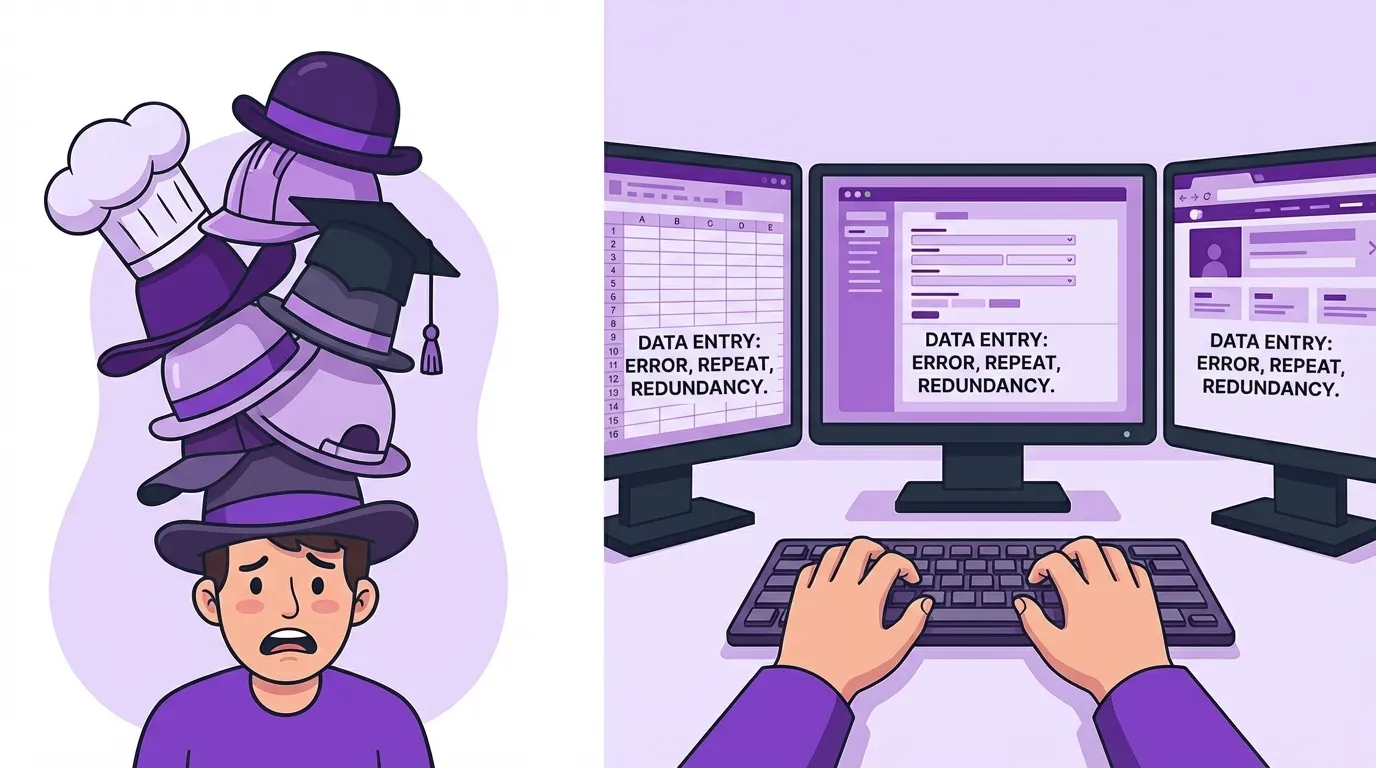
I once watched an employee at a mortgage company spend an hour to an hour and a half every single day on the phone with their software vendor’s support just to make their own systems behave.
That’s almost a full workday a week, paid not to serve customers, not to grow the business, but to navigate tools.
Different industry, same theme.
2. The triple-entry grind
I saw a consulting firm where every single transaction had to be entered into three different systems.
Each of those systems “worked” in isolation. What nobody saw at first was:
- The quiet hours burned re-keying the same data.
- The subtle mis-matches that appeared later because humans are not robots.
You don’t need a PhD in statistics to know three copies typed by three humans won’t stay identical for long.
3. The Human Switchboard
And then there’s the classic: the one person who “just knows everything.”
They’re the one everyone calls:
- “Can you resend that invoice?”
- “Do we have this in stock?”
- “Where is this order actually at?”
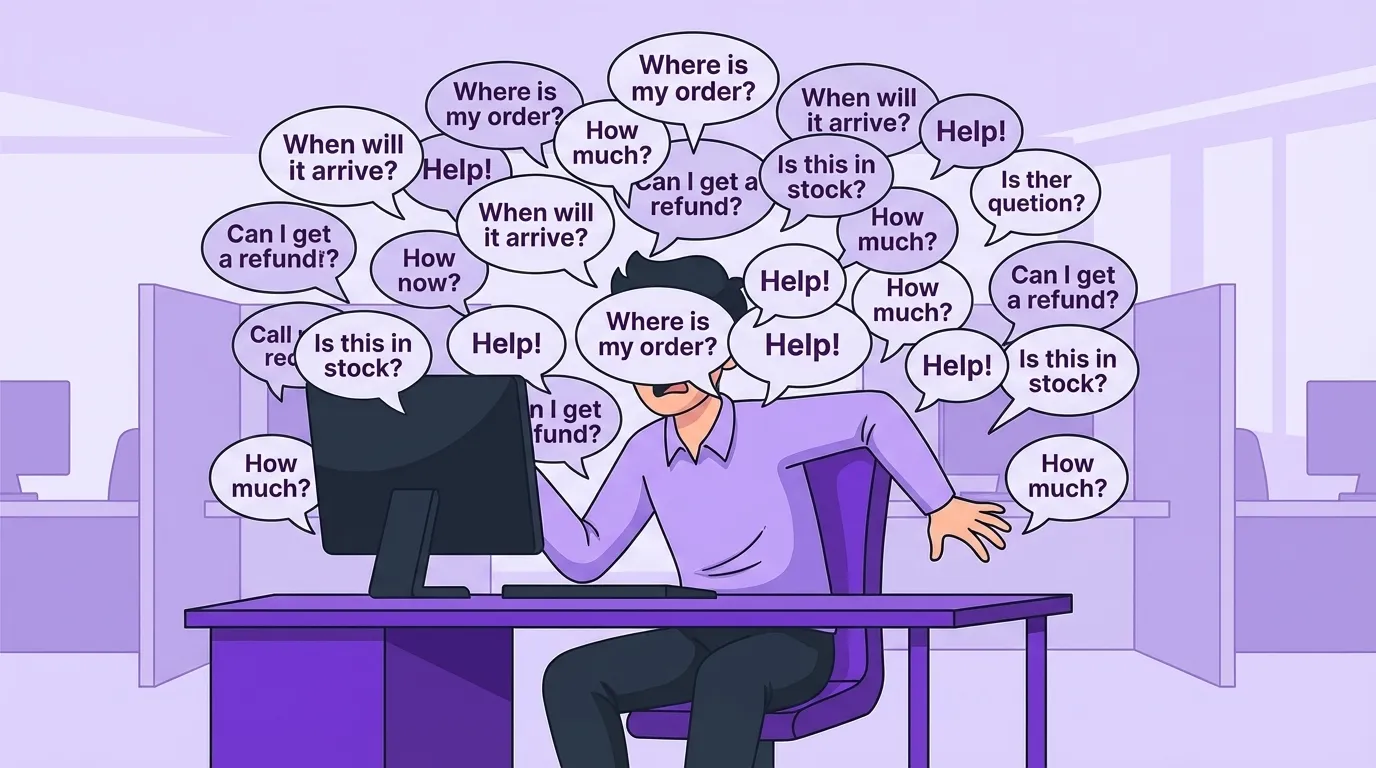
They’re interrupted constantly, because there’s no other way to get answers out of your systems in a way customers can actually use.
By lunch, they (or your salesperson) have handled half a dozen requests like:
- “Where is my order?”
- “When will it ship?”
- “Can you send me the tracking number again?”
- “Can you resend invoice #4782 for my accountant?”
- “What’s my current balance?”
- “Can I just reorder what I got last time?”
All of those answers already exist somewhere in your ERP, CRM, accounting system, or all three. And yet a human has to:
- Look it up
- Cross-check it
- Reformat it
- Send it back
By the time they’ve done that 11 times, they haven’t sold anything. They haven’t improved a process. They’ve just acted as a human API.
What customers actually want to self-serve
Here’s the key: what customers want is not a feature list.
What customers really want is service on terms that accommodate them:
- They want their question answered at 2am.
- They want to handle three nagging admin tasks in the five minutes before their next meeting.
- They do not want to learn your internal system to do it.
In practice, the self-serve wish list is boringly consistent:
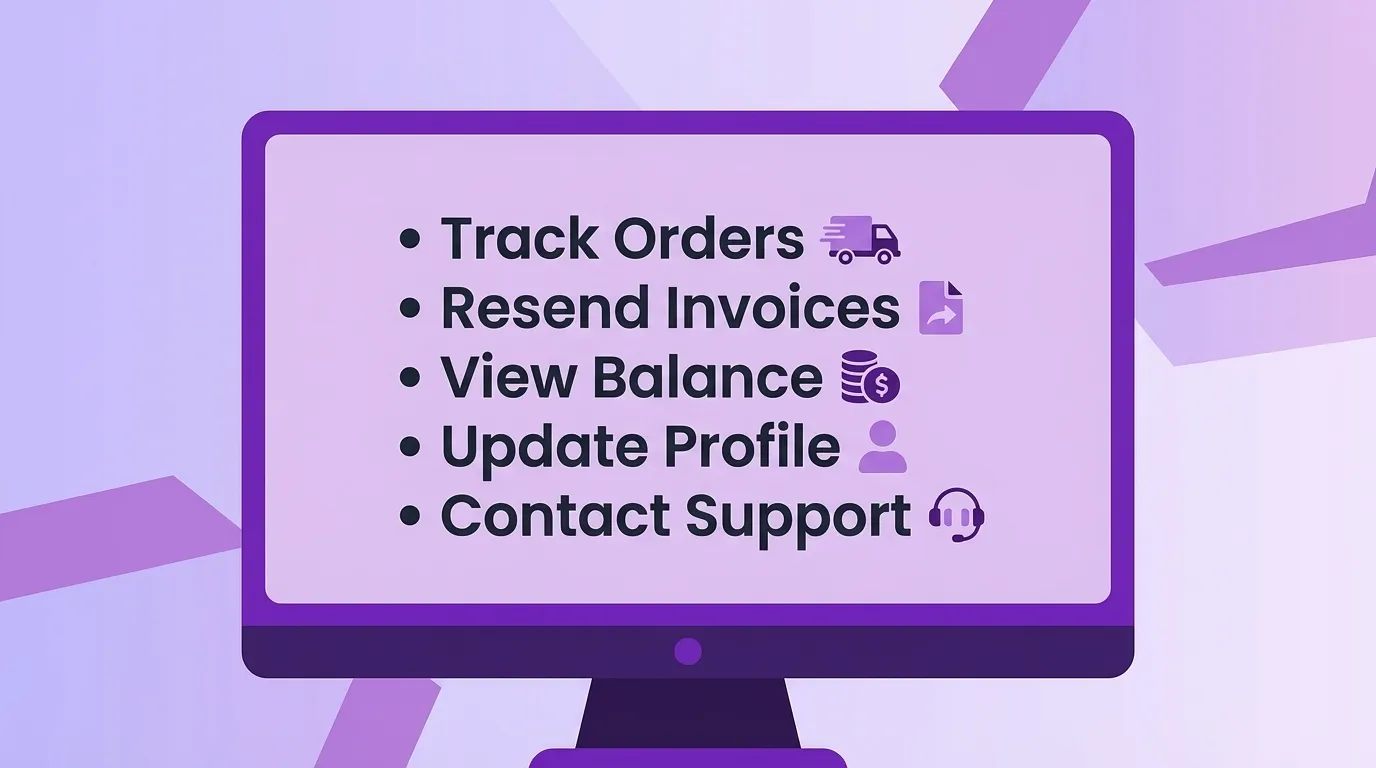
- “Where is my order?”
- “When will it ship?”
- “What’s the tracking number?”
- “Can you resend that invoice or statement?”
- “What’s my current balance / aging?”
- “Can I just reorder what I got last time?”
- “Can I see / download this document you already have?”
- “Can I see the status of my support ticket?”
Notice what’s not on that list:
- “Please give me nine nested menus.”
- “Please show me your entire internal data model.”
- “Please surprise me with a new layout every quarter.”
In fact, let’s talk about menus for a second.

Menus, menus, menus (and why they kill portals)
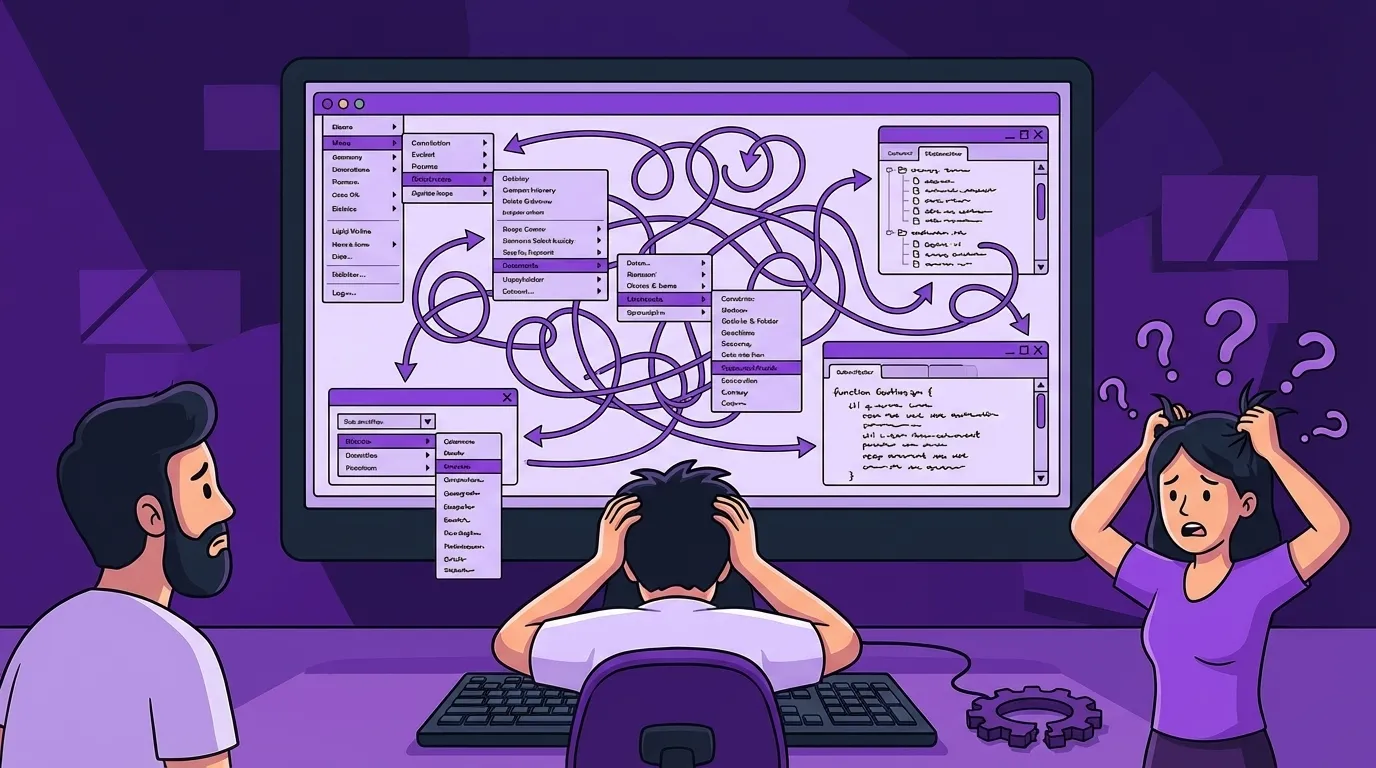
Most bad portals die the same death: over-designed menus.
Customers do not want:
- Menus that look like someone’s CV.
- Menus that change names or locations every redesign.
- Menus that hide the one thing they actually came for.
- A maze that requires “training” to use.
One of the biggest mistakes is treating the portal like a place to show off how big and complex your company is.
That effort has the opposite effect: it broadcasts that you don’t know what your customers actually need.
A great portal is the opposite of impressive. It feels… obvious.
What a good portal actually looks like
Easy to get into
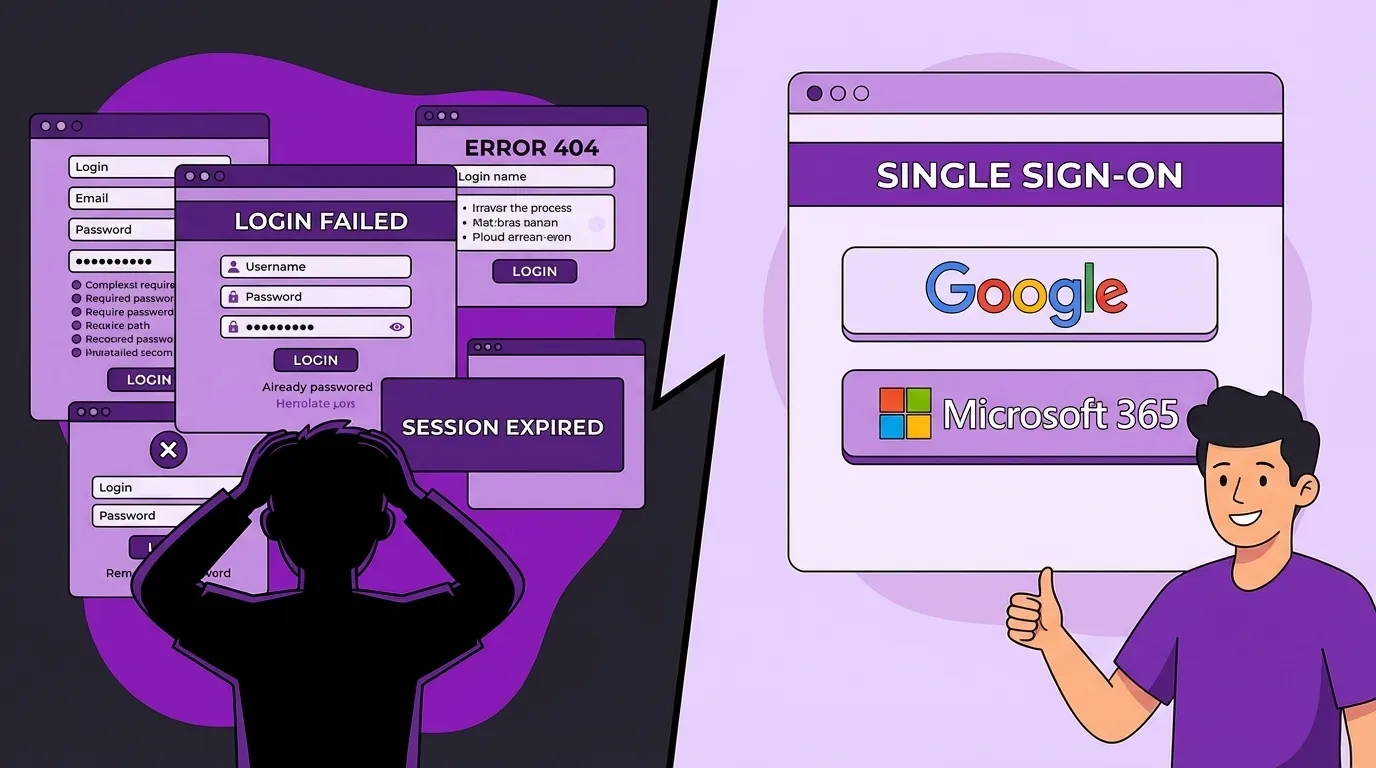
First rule: don’t make people remember new passwords for something they use twice a quarter.
For B2B especially, good portals:
- Support OAuth / federated login (Google, Microsoft 365, etc.).
- Fit naturally into your customer’s existing login habits.
Your customer might go months without using the portal. “Reset password every time” is a great way to teach them to pick up the phone instead.
First screen = top questions, nothing else
Once they’re in, the very first view should answer their most common questions without a scavenger hunt.
If “Where is my order?” and “Can you resend that invoice?” are the top two questions, then:
- Current / recent orders and their statuses should be right there.
- A big, obvious “Download invoice” action should be right there.
If it’s a top and frequent question, it belongs on the first screen. Even a single click buried in a menu is enough for a casual user to get lost.
The system is the manual
We try to follow the principle that the system is the manual.
The layout and language of the portal should:
- Match your process
- Match your customers’ mental model
- Not require a training session to use
A portal does not need to reflect the complexity behind it. It should distill the useful features and actions for people who only use it occasionally. You can’t expect them to remember where things live.
If a reasonably smart customer needs training to use your portal, it has already failed.
Security without turning into an IT department
We could write an entire article just on security, but for small businesses we run on a few simple principles when we design portals:
-
A portal is not “web access to your ERP.” It is a separate entity, with its own narrow purpose.
-
The portal server itself should have essentially no valuable data. It serves web pages. The live data lives in a cloud database curated per user or per tenant.
-
Each user only sees a curated slice of data prepared for them. To “get everything,” an attacker would have to compromise every single user, not just one juicy server.
-
Portals don’t belong in shared DB / shared firewall environments. If one machine is compromised, the blast radius and lateral movement should be tiny, not “our whole ERP is now exposed.”
-
Every change is tracked. If someone changes a discount from 10% to 25% and back again, that’s recorded—who did it and when. That’s not about being punitive; that’s about being able to reconstruct what happened when something looks off.
Owners don’t need the acronyms. They need to know: “If this box gets hacked, how bad is it?” A well-designed portal makes that answer “annoying, not catastrophic.”

Real integration vs fake portals
There’s a special circle of hell reserved for fake portals.
I saw a company proudly launch a “portal” where customers could enter their own data “to reduce errors.”
Behind the scenes?
Employees printed portal entries or copy-pasted them into the real system by hand.
- It didn’t reduce errors.
- It didn’t save time.
- It did infuriate customers, because now when something was wrong it clearly wasn’t their fault.
If your staff are re-keying anything from the portal into your internal systems, you don’t have a portal. You have a fancy web form and a new category of busywork.
A proper portal should:
- Read live data from your real systems (ERP, CRM, accounting, support).
- Write only what it should (orders, ticket updates, uploads) via controlled, well-thought-out interfaces.
- Avoid “one more database of truth” unless it’s a deliberately curated cache.
Just because it was hard to write or retrieve the data behind the scenes does not mean it should be hard for your customers.
A good portal is often that thin layer of custom software “glue” that hides the ugly wiring and presents something simple.
A tiny portal that made a big difference
My favorite portal story is actually one of the smallest.
In a healthcare-adjacent environment, they had a problem: exchanging sensitive documents securely.
The existing methods were all bad in different ways:
- Email: convenient, but messages live forever and pass through who-knows-where.
- Physical media (DVDs, USB sticks): slow, get lost, sent to wrong addresses.
- Ad-hoc “secure” workarounds: brittle, highly manual, dependent on tribal knowledge.
To make it worse, much of that data was transient—meant to be used once, not stored forever.
So they built a tiny portal with exactly one job: secure document delivery.
The workflow became:
- Staff upload the document to the portal.
- The system emails the recipient a time-limited secure link.
- The recipient logs in, retrieves it, and that’s it.
- After a defined period, the document is removed from the portal’s storage.
If someone intercepted the email in flight and tried to use the link later, it wouldn’t work from their environment. If someone found an old email months later, the document was already gone.
What changed?
- The “creative” one-off workarounds disappeared.
- The quality and consistency of document delivery went up.
- Compliance checkboxes that were previously impossible suddenly became easy to tick.
And all they did was one thing well.
That’s the pattern I recommend for most small businesses: start with one painful, high-value scenario and solve it cleanly. Then come back and ask, “What else belongs here?”
Does a portal actually reduce support volume?
Yes—but only if you’re honest about how you measure it.
You don’t need elaborate dashboards to see if it’s working. Start with:
- Counts of “where’s my order / resend invoice / send W-9” calls and emails before vs after.
- How often your “Julie” / “Human Switchboard” person is interrupted for basic questions.
- What percentage of simple requests are now resolved without a human touching them.
If those numbers don’t move, don’t blame “customer habits.” We all follow the path of least resistance.
If customers keep calling you for things the portal supposedly does, you didn’t design it around their reality. You overcomplicated it.
Getting customers to actually use it
Most “adoption strategy” for portals is just wishful thinking:
“We launched it. Why is no one using it?”
In practice, adoption looks like this:
- You make the portal genuinely the easiest way to get common answers.
- You stop rewarding the old path of “just call us for everything.”
- You answer the first few calls with, “It’s already in your portal—here, I’ll walk you through it once,” and then you stick to that.
No lectures. No forcing. Just steadily nudging the path of least resistance toward the portal.
If the portal is well-designed, most customers are happy to take that path. They didn’t want to call you in the first place—they just didn’t have any other good option.
Where to start (and what not to do)
Don’t start with:
- “We need a portal because everyone else has one.”
- “Let’s pick a portal product and see what it can do.”
Start with complaints.
Most customers are more reasonable than we give them credit for. When they complain, it’s rarely about one isolated event. It’s usually:
- A simple thing that was harder than it should have been,
- Plus the frustration of not reaching a human,
- Plus having to explain the same story again to the next person.
Underneath all of that is a small number of very predictable questions.
So the first actionable step is:
- Go through recent customer complaints and support tickets.
- Group them by question, not by department.
- Ask: which of these could have been answered by a simple, secure view into data we already have?
If you don’t track complaints, today is an excellent day to start.
Only once you know which questions you’re trying to solve, and what they’re worth fixing, does it make sense to talk about tools or vendors.
Portals are not magic. They’re just a very efficient way to stop burning your best people on jobs a browser can do at 2am.
And for a growing small business, that’s not a nice-to-have anymore. That’s the difference between your people being human APIs—and being able to do the work only humans can do.
Keywords
Related Articles
One System, One Truth: How a Right-Sized CRM Replaces Spreadsheet Chaos
Ditch spreadsheet chaos! Discover how a right-sized CRM can streamline your 20-80 person company, bo...
Your People Are the Integration Layer (And It's Costing You Everything)
Is your team acting as human middleware? Discover the 6 hidden patterns of integration failure costi...
Replacing the Legacy App That Runs Your Business (Without Burning the Place Down)
Is your legacy system holding your business hostage? Learn a practical, step-by-step approach to rep...